
When adding chat to a website, the initial thought often centers on code placement. That's the wrong starting point. The essential question is what happens before and after the first message.
The business case is already hard to ignore. 79% of businesses report a positive impact on sales, revenue, and customer loyalty after deploying live chat, 41% of consumers prefer live chat over other support channels, and automated chat can convert around 4% of website visitors into qualified leads, according to Tidio's live chat statistics. That changes the job completely. You're not installing a floating bubble. You're building a lead capture system.
Most guides stop at “paste this script before </body>.” That's the easy part. The harder part is deciding which chat path fits the site, what data to collect before the conversation starts, how the chat gets routed, and whether your team can attribute the lead back to source, campaign, and page intent. If you run lead gen for clients, those details matter more than the widget color ever will.
Table of Contents
- Why Your Website Needs a Chat Function Today
- The Quickest Path Using All-in-One Chat Widgets
- The High-Engagement Path Integrating WhatsApp Chat
- Comparing Your Chat Implementation Options
- Advanced and Technical Chat Solutions
- Optimizing for UX Privacy and Analytics
Why Your Website Needs a Chat Function Today
A site without chat now feels incomplete in many buying journeys. Visitors compare vendors quickly, skim pricing pages, hit a point of friction, and decide whether to ask a question or leave. If there's no fast path to contact, many leave.
That's why the strongest argument for website chat isn't convenience. It's intent capture. A visitor who opens chat is often closer to action than a visitor who keeps browsing. If your team responds well and the flow is designed properly, chat becomes a direct handoff from website traffic to pipeline.
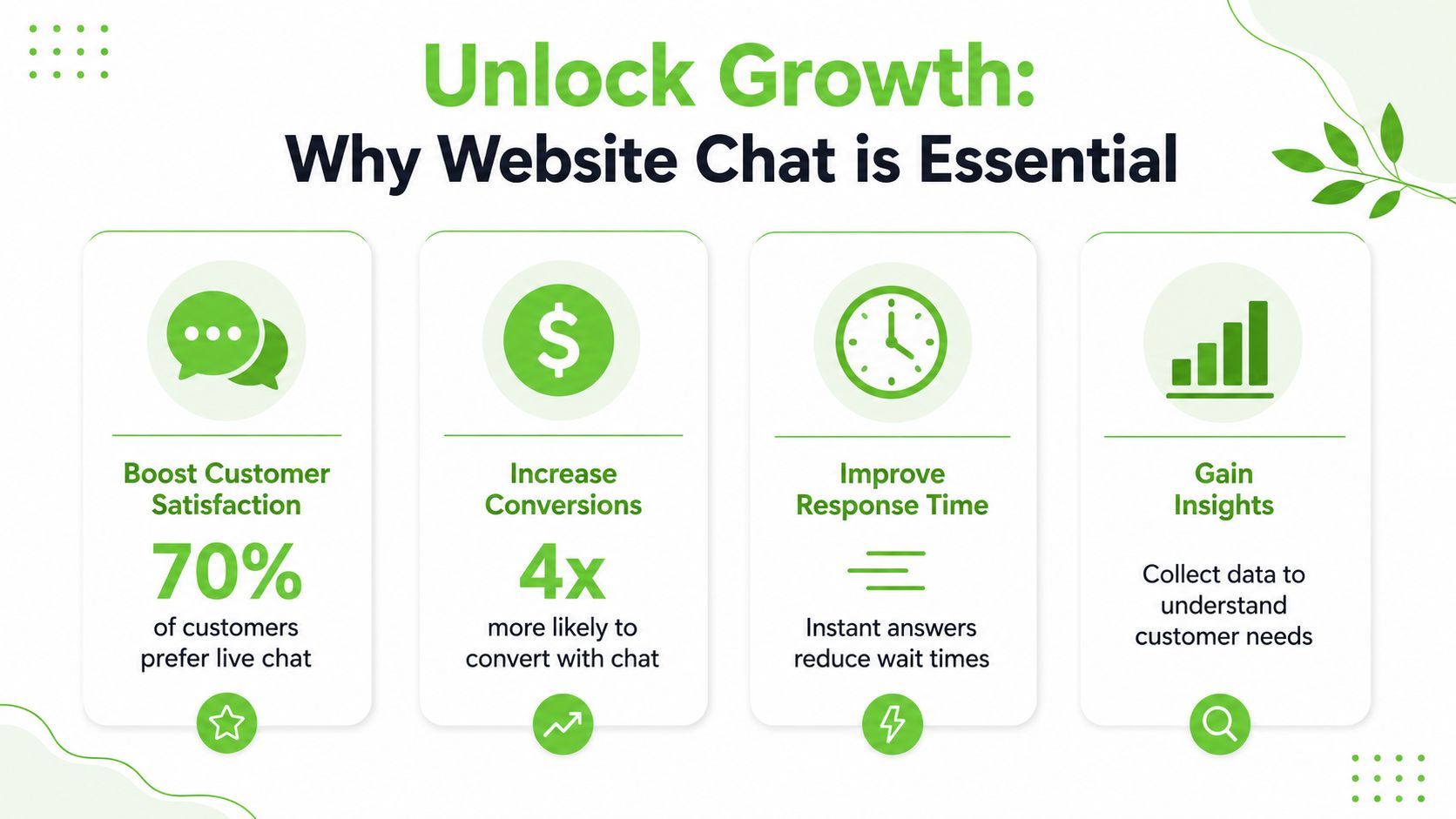
Chat is now a buying and support expectation
The preference signal is strong. Buyers don't just tolerate chat. They often want it because it removes the delay and friction of forms, voicemail, and back-and-forth email. On high-intent pages, that speed matters.
There's also a practical support angle. Basic questions about pricing, availability, service areas, onboarding, or next steps don't always need a person to intervene immediately. A chat layer can handle routine questions, direct the visitor to the right team, or collect the context your closer needs before taking over.
Practical rule: If a visitor has enough intent to click chat, don't make them restart the conversation later in a generic contact form.
A chat widget should qualify not just greet
Many implementations fall apart. Teams install a widget, write “Hi, how can we help?”, and call it done. That creates conversations, but not always useful leads.
A better setup asks a few questions before the rep jumps in:
- Identity fields: Collect name and email so the lead can be attributed and followed up.
- Intent fields: Ask what they need, such as quote request, demo, support, or partnership.
- Routing context: Capture page path, campaign source, and time of inquiry when possible.
- Channel preference: Let the visitor continue on-site or shift into a messaging channel if that fits the sale.
That's the shift I'd recommend for any business learning how to add chat to a website. Treat chat as a conversion path, not a decoration. The installation matters. The qualification logic matters more.
The Quickest Path Using All-in-One Chat Widgets
If you need something live this week, all-in-one chat platforms are usually the fastest option. Tools like HubSpot, Intercom, Crisp, Tidio, and similar products package the widget, inbox, automations, and basic routing into one account. For many clients, that's enough to get traction quickly.
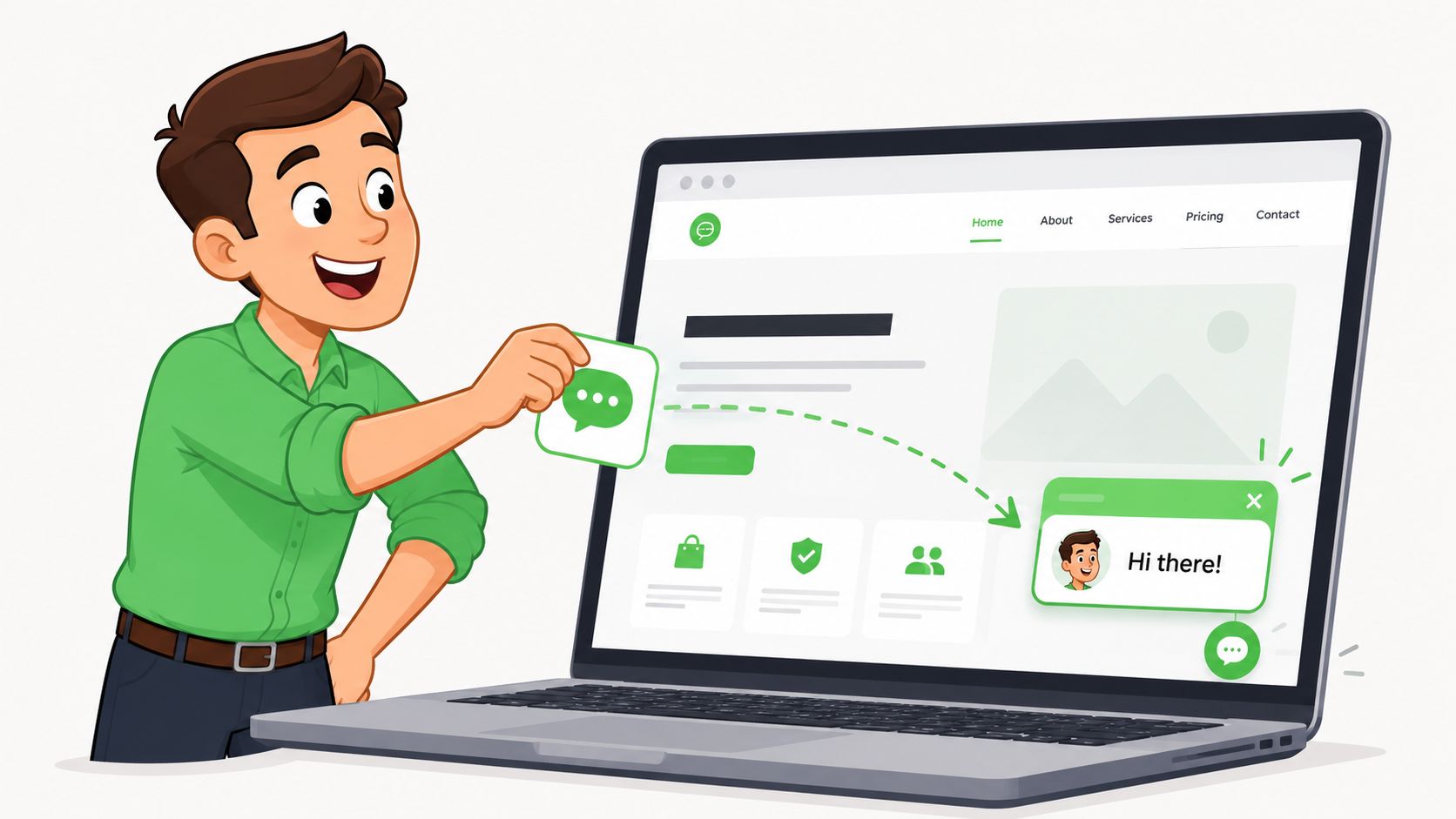
How the standard widget setup works
The normal process is simple.
Create the account and widget
Choose the tool, set brand colors, write the welcome message, and decide whether chat is live, automated, or hybrid.Install the code
Most platforms give you one script snippet. On WordPress, that often means a plugin. On Shopify, it's often an app or theme embed. On custom sites, it usually goes into the global footer or tag manager.Set the inbox rules
Decide who receives chats, which pages should trigger the widget, and whether off-hours messages become tickets or email notifications.Test the visitor journey
Open the site on desktop and mobile, start a chat, trigger an offline state, and confirm the conversation reaches the right inbox.
The appeal is obvious. Setup is quick, teams don't need a developer for every adjustment, and you usually get extras like CRM sync, saved replies, and bot flows in the same tool.
Where all-in-one tools fit well
These tools are strongest when the business needs broad functionality with low setup friction. If a client wants support chat, simple lead capture, and one shared inbox, this route is often the most efficient.
They also fit teams that want automation layered into the front line. The category is growing for a reason. The AI chatbot market is valued above $9 billion and is projected to exceed $27 billion, businesses report bots can resolve 75–90% of customer questions, and over 88% of users have interacted with a chatbot in the past year, according to ChatBot statistics.
A good all-in-one widget is usually the right answer when speed matters more than deep channel control.
What usually limits conversion quality
The trade-off is that easy installation can hide weak lead capture. Many widgets are built first for support, second for sales. That means the default experience often starts with a generic greeting instead of qualification.
Watch for these issues:
- Too little upfront data: If the chat opens without collecting contact details, sales teams end up with anonymous conversations they can't nurture later.
- Weak routing logic: A pricing-page visitor and a support-page visitor shouldn't enter the same queue with the same opening message.
- Branding and layout limits: Lower-tier plans often restrict how much you can change in the pre-chat flow.
- Performance drag: Extra scripts, heavy embeds, and third-party dependencies can add clutter to the page.
For businesses asking how to add chat to a website with minimal effort, this is still the simplest route. Just don't confuse quick deployment with a finished revenue system. If the lead data is thin, your reporting will be thin too.
The High-Engagement Path Integrating WhatsApp Chat
Website chat keeps the conversation on the site. WhatsApp changes the dynamic because the conversation moves into a channel many buyers already use daily. For agencies, that matters because the lead doesn't disappear when they close the tab. The thread continues in a familiar inbox.
What I like about WhatsApp on lead-gen sites is that it can feel more direct than a standard widget while still being structured. The mistake is sending visitors straight into a raw chat without capturing anything first. That creates the same attribution problem teams already have with phone calls and unmanaged inboxes.
Why WhatsApp works differently from site chat
A standard site widget is often treated like lightweight support. WhatsApp tends to be treated more like a real conversation. That changes how people respond, how teams follow up, and how agencies report outcomes to clients.
The key isn't just adding a WhatsApp button. It's designing the transition carefully so the visitor doesn't bounce, the sales team gets context, and the agency can trace which campaign generated the lead.
A practical lead capture flow for agencies
Here's the structure I'd use for a client site.
First, place the widget on pages with intent. Pricing, service pages, quote pages, and checkout-adjacent pages are the usual starting points. Don't drop the same trigger across every page on the site unless the business has a clear reason.
Second, use a short pre-chat form before the WhatsApp handoff. That matters because research summarized in Housecall Pro's guide notes that 60–70% of live-chat leaders fail to collect at least name and email before initiating chat, which hurts downstream attribution and nurturing in the context discussed at Housecall Pro's chat widget article.
A practical pre-chat form usually includes:
- Name and email: Enough to identify and follow up with the lead even if the chat stalls.
- Phone or WhatsApp number: Useful when the number isn't already passed by the channel flow.
- Inquiry type: Sales, estimate, demo, support, booking, or billing.
- Hidden tracking data: Source, medium, campaign, landing page, and referring ad set when available.
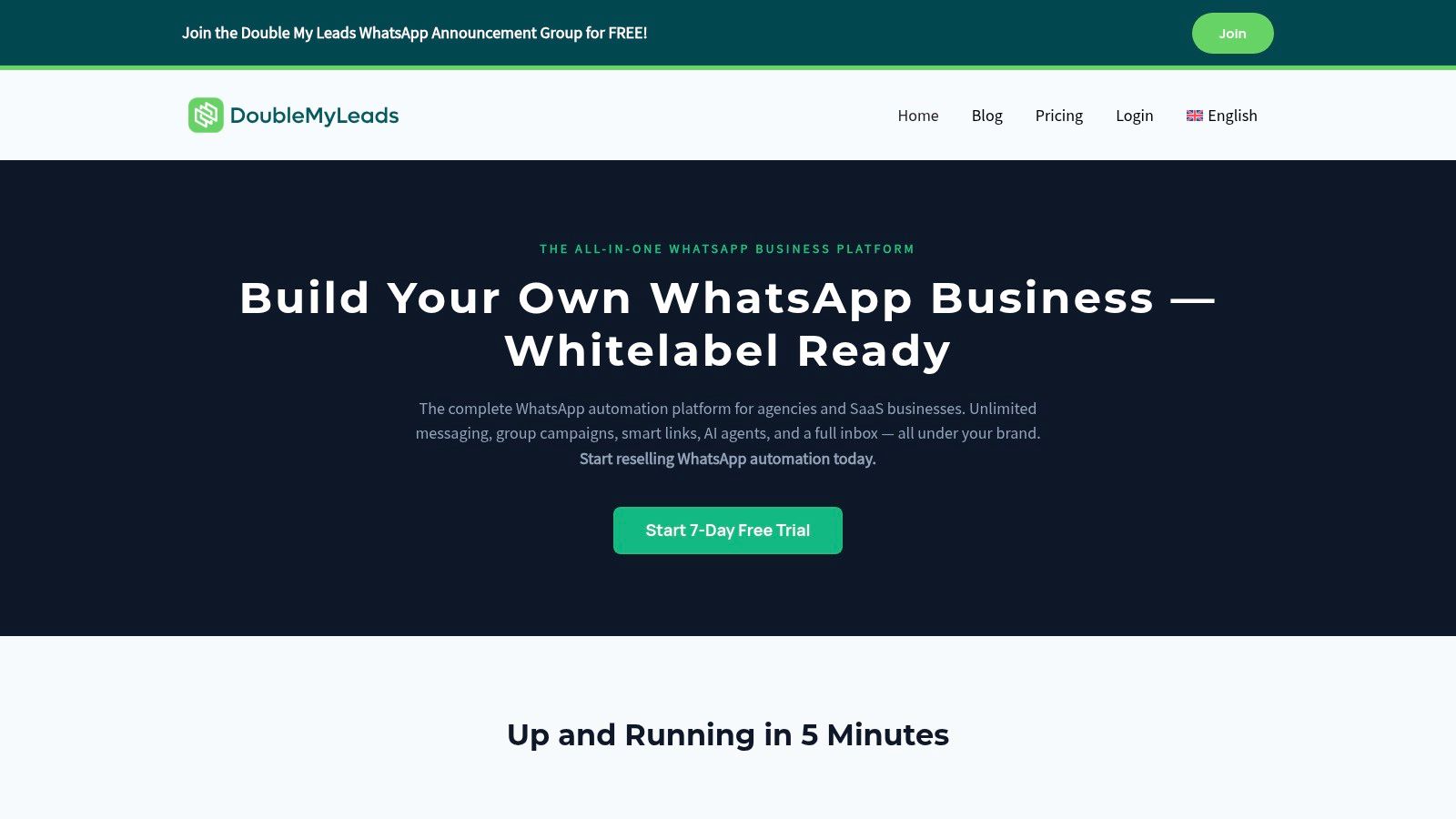
Third, send the conversation into a shared team inbox, not a single founder's phone. That keeps the process usable once volume grows. In an agency context, one option is Double My Leads, which supports website chat widgets tied to WhatsApp flows, pre-conversation capture, assignment, notes, tags, and shared handling under a white-labeled setup.
If you can't tell which ad, page, and offer produced the chat, you don't have a lead-gen asset. You have a conversation tool.
How to keep WhatsApp leads attributable
At this juncture, agencies usually win or lose the account. Clients don't just want “more messages.” They want to know what produced them.
To keep attribution intact:
- Pass campaign context into the pre-chat step so the record includes source details before the messaging handoff.
- Tag conversations by service line so the sales team can separate estimate requests from support or existing-customer issues.
- Create agent notes at first touch when the lead came from a high-intent page or a known paid campaign.
- Use quick replies carefully so speed improves without turning every conversation into canned noise.
The strongest WhatsApp implementations feel personal to the visitor and operationally strict to the business. That balance is what turns a site button into a trackable acquisition channel.
Comparing Your Chat Implementation Options
There isn't one right answer for every site. The right method depends on who owns the funnel, how much technical control you need, and whether the business cares more about support coverage or lead attribution.
Chat implementation methods compared
| Method | Ease of Setup | Typical Cost | Lead Capture Quality | Customization |
|---|---|---|---|---|
| All-in-one widget | Fast | Usually subscription-based | Good if pre-chat fields are configured well | Moderate |
| WhatsApp-integrated platform | Moderate | Usually platform subscription, sometimes layered into agency pricing | Strong for lead qualification when pre-chat capture is built in | Moderate to high |
| Self-hosted or custom build | Slower | Build and maintenance time, plus infrastructure | Depends entirely on your design | High |
The table hides one important reality. The tool category matters less than the conversation design. A bad enterprise deployment still performs badly. A simple setup can work well if the trigger, qualification, and routing are disciplined.
How to choose based on business model
For a local business that mainly needs a staffed inbox and basic web presence, an all-in-one widget is often enough. For an agency that needs source tracking, shared ownership, and a messaging-first follow-up process, WhatsApp tends to be more useful.
For teams that compare chat against forms and calls, Understanding home service lead channels is worth reading because it frames channel choice around buyer behavior instead of software features.
Nielsen Norman Group's review is also a useful reminder that implementation quality affects outcomes. 40% of observed chat failures came from poor handoffs between bots and agents or missing wait-time indicators, and strong setups depend on triggers, throttling, and routing that keep first-response times under 30 seconds, as covered in Nielsen Norman Group's chat UX analysis.
A few plain rules help:
- Choose all-in-one widgets when the client needs speed, support coverage, and a familiar admin interface.
- Choose WhatsApp-led setups when the sale benefits from ongoing conversation and the agency needs better lead ownership.
- Choose custom solutions when compliance, deep product integration, or unusual workflows make off-the-shelf tools too limiting.
The best option is the one your team will manage well after launch.
Advanced and Technical Chat Solutions
Some businesses outgrow standard widgets quickly. They need their chat system to sync with internal tools, write records into a custom CRM, control data residency, or connect directly to API-based workflows. That's where self-hosted and bespoke implementations come in.
When custom or self-hosted chat makes sense
A custom build makes sense when the site is part of a larger operational system. That might mean a product dashboard with authenticated users, a service business with internal dispatch logic, or an agency stack that needs chat events pushed into multiple downstream systems.
Self-hosted tools can give you more control over branding, data handling, and feature development. API-driven builds can go further by turning chat into a front end for quoting logic, booking workflows, or lead scoring.
If your developers need a reference for structuring external service handoffs cleanly, MeshBase API integration documentation is a useful example of the kind of integration planning that reduces brittle one-off connections.
Custom chat is rarely the first move. It becomes the right move when control matters more than setup speed.
The implementation mistakes that break chat
Many teams lose sessions without realizing it. The code snippet may be correct, but the widget still fails to render or track reliably.
The most common problems are operational, not conceptual:
- Script loading issues: The widget loads too early, too late, or competes with other scripts.
- CSP and mixed-content blocks: Security policies prevent the third-party script from initializing.
- Domain mismatches: Staging, subdomains, or alternate hostnames weren't allowed in the tool settings.
- Unmonitored failures: Nobody checks failed session starts, so broken chat goes unnoticed.
The risk isn't small. A WebAIM analysis found about 1 in 5 sites had at least one blocked script due to CSP or mixed-content problems, and industry benchmarks show 30–40% of first-time chat implementations fail to capture all visitor sessions because of technical errors, as summarized in Ruby's guide to website chat.
What a robust deployment looks like
A stable rollout looks boring, and that's a good thing. It means engineering handled the fundamentals.
Use a checklist like this:
Load the script safely
Defer it or initialize it after the DOM is ready so it doesn't fight the page render.Review security rules
Confirm the provider's required origins are allowed by your site policies.Test every live domain
Main site, subdomains, landing page hosts, and staging environments often behave differently.Monitor launch quality
Watch widget load behavior, session starts, and obvious drop-offs after publish.Roll out gradually
If the site is high traffic or business-critical, stage deployment instead of flipping the whole property at once.
That's the part most “how to add chat to website” tutorials skip. Installation is simple. Reliable installation is not.
Optimizing for UX Privacy and Analytics
A chat tool only becomes valuable when the experience is clear, lawful, and measurable. Most weak deployments fail in one of those three areas.
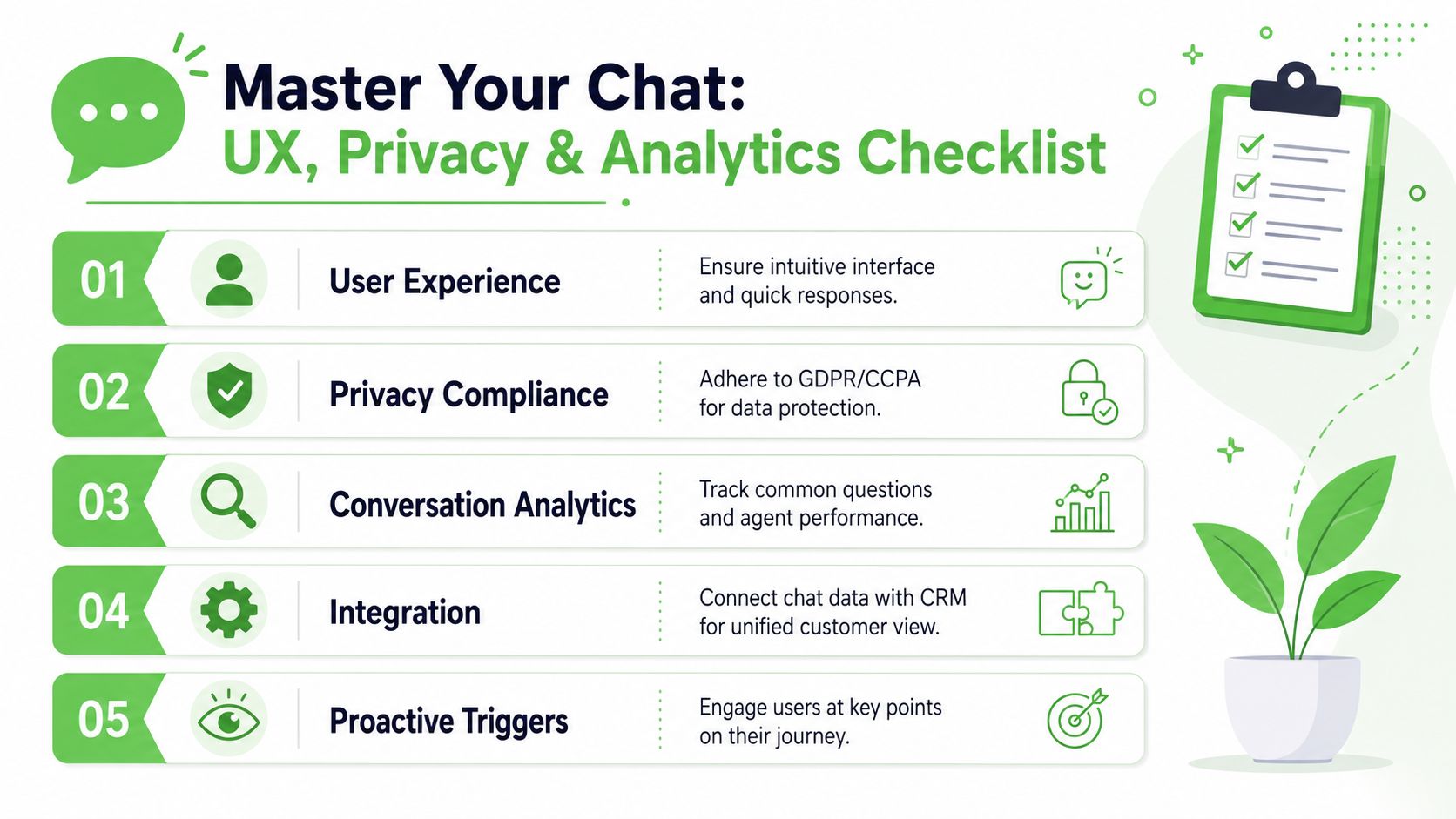
UX rules that protect conversion quality
Visitors don't mind being guided. They do mind being interrupted badly. A proactive prompt on a pricing page can work. A repeated popup on every page usually won't.
I'd keep the UX rules simple:
- Trigger by intent, not everywhere: Show proactive chat on pages where buyers hesitate or compare options.
- State what happens next: If a bot starts the flow, tell the visitor when a human joins and what the wait might look like.
- Differentiate bot and human replies: The handoff should be visible, not implied.
- Throttle outreach: One thoughtful nudge per session is usually better than repeated prompts.
Silence after a visitor opens chat feels worse than having no chat at all.
Privacy and consent basics
If the widget collects personal data, treat it like any other form of data capture. Tell users what you collect, why you collect it, and where the conversation may continue. If the flow moves from site chat to WhatsApp or another messaging channel, that handoff should be obvious.
Your privacy policy should mention chat data collection, retention, and any third-party processors involved. If your consent framework already governs forms and analytics, make sure chat sits inside the same policy logic rather than operating as an untracked side channel.
Analytics that make chat worth keeping
If you can't measure chat properly, it turns into anecdotal proof and internal guesswork. The basics are straightforward.
Track these consistently:
- First response time: Fast enough to preserve intent.
- Chat abandonment: Where visitors start but don't continue.
- Qualified leads generated: Not just conversations started.
- Source and page path: Which campaigns and pages initiate useful chats.
- Outcome labels: Booked, quoted, closed, support-only, or unqualified.
The point of analytics isn't dashboard beauty. It's decision-making. Once you can see which pages produce qualified chats and which triggers create noise, you can improve the flow without rebuilding the whole system.
If your agency wants a WhatsApp-first way to add chat to client websites while capturing lead details before the conversation starts, Double My Leads is built for that workflow. It lets teams launch white-labeled WhatsApp chat widgets, collect lead data up front, route conversations in a shared inbox, and keep attribution attached to the lead instead of losing it inside unmanaged messaging threads.


