
What should that one bio link do for your business?
For some brands, a simple link hub is enough. For others, it becomes a bottleneck. If you're paying extra just to remove branding, clean up the page, or see basic click data, the key decision is about fit. Choose a tool based on how you publish, sell, book calls, or collect leads.
That distinction matters in practice. A creator selling digital products needs fast setup, storefront features, and decent design control. An agency often needs lead routing, messaging app links, and clearer attribution. A consultant or job-seeking professional usually cares more about a polished page and credibility than packing in ten buttons.
There is also a strategic alternative that many roundups skip. In some campaigns, a classic bio page is not the best answer at all. If the goal is to capture leads and track which post, platform, or offer drove the response, smart links from lead-capture tools such as Double My Leads can be a better fit than sending people to a static list of links first.
The good news is that free plans have improved. Several tools now give you enough flexibility to test layouts, publish multiple links, and get started without hitting a paywall on day one. That makes the choice less about finding a Linktree replacement at any cost, and more about matching the tool to the job.
This list is organized with that in mind: creators, agencies, and professionals do not need the same thing.
Table of Contents
- 1. Beacons
- 2. Solo.to
- 3. Lnk.Bio
- 4. Campsite.bio
- 5. Taplink
- 6. Flowpage Flowcode
- 7. Carrd
- 8. about.me
- 9. Squarespace Bio Sites
- 10. Canva Link in Bio Sites
- Top 10 Free Link-in-Bio Alternatives, Comparison
- Conclusion
1. Beacons
Beacons is the option I point creators to when they don't just want a page of links. They want one place for content, light monetization, email capture, and basic audience management. That's where Beacons makes sense.
It feels closer to a creator mini-site than a simple bio directory. You can set up links, add storefront-style elements, collect emails, and present more of your brand without building a full website. If you're a solo creator selling offers, promoting content, and trying to keep setup simple, that's useful.
Why Beacons works
Beacons is a practical default when your bio link needs to do more than redirect traffic. It bundles enough creator-focused features that many people won't outgrow it immediately.
- Best for creators: Good fit for coaches, influencers, newsletter writers, and digital sellers.
- Good free entry point: You can launch something useful without paying upfront.
- Trade-off: The free version still pushes you toward paid upgrades for deeper analytics and cleaner branding.
Practical rule: If your page needs to collect attention and revenue in the same place, Beacons is stronger than a bare-bones link list.
What doesn't work as well is using it for agency workflows or more formal lead routing. Once your main goal is attribution, CRM movement, or channel-specific lead capture, creator-first tools start to feel broad instead of precise. In those cases, I'd rather use a campaign link that points to the next action directly than ask people to click through a menu first.
2. Solo.to
Solo.to is the clean answer for people who want a free alternative to Linktree without all the extra furniture. It loads fast, looks modern, and doesn't feel like it was designed to constantly upsell you in the first five minutes.
Some tools try to impress you with widgets you won't use. Solo.to goes the other way. It gives you a clean hub with room for links, social buttons, and a polished profile presentation. For freelancers, consultants, and personal brands, that restraint is often a strength.
Best fit
Use Solo.to when design cleanliness matters more than depth. It isn't trying to become your store, CRM, or campaign engine.
- Best for professionals: Great for a speaker, consultant, recruiter, or founder page.
- Fast setup: You can get from blank page to usable profile quickly.
- Main limitation: If you care about heavy analytics or deeper customization, you'll hit the ceiling sooner.
A practical limitation is that minimalist tools only work if your offer is already clear. Solo.to won't fix weak messaging. It gives that messaging a cleaner frame than most free bio tools.
3. Lnk.Bio
Need a bio link tool that stays out of the way?
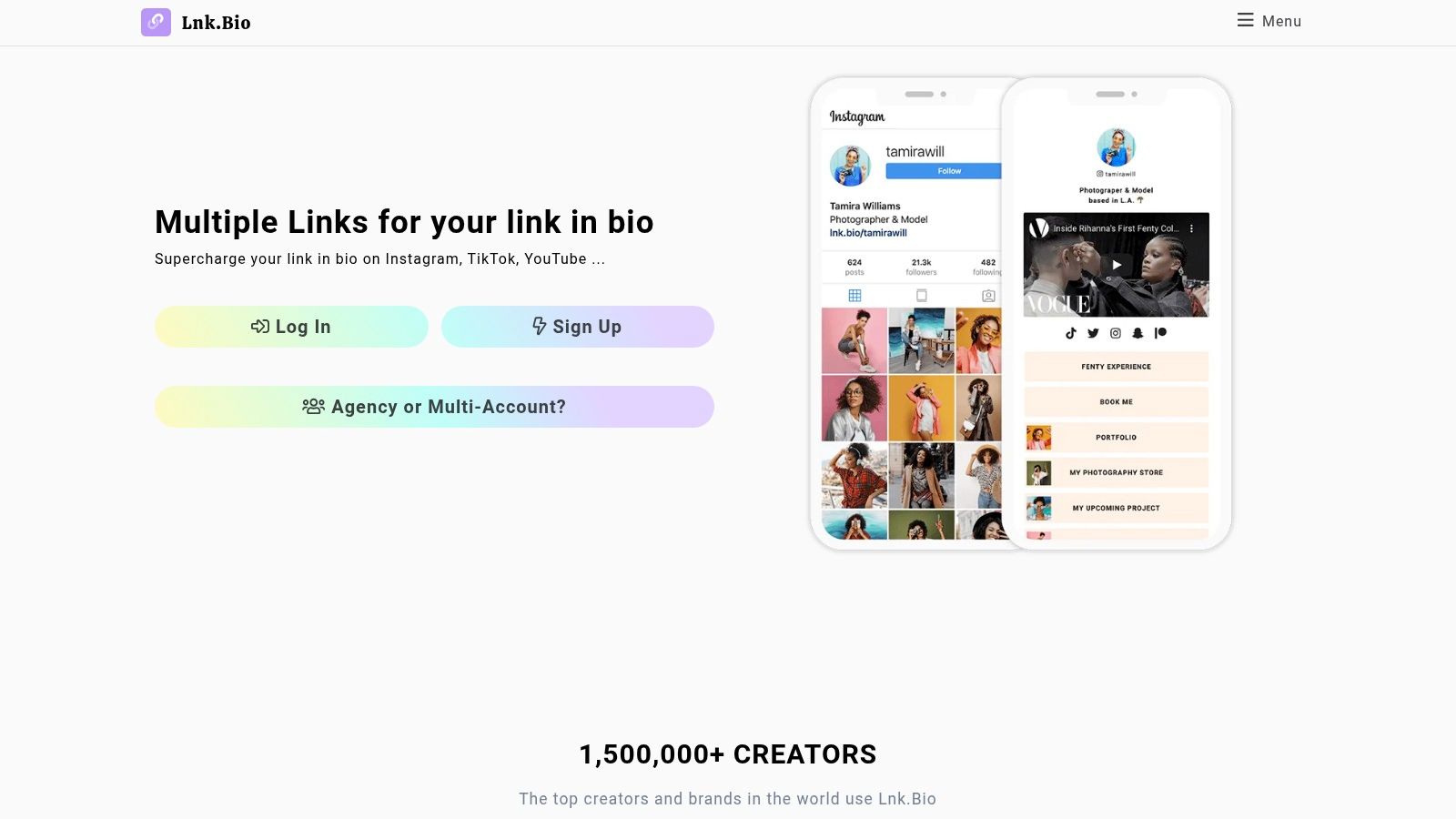
Lnk.Bio has always been one of the more practical picks in this category. It focuses on the basic job: publish a link hub fast, keep it easy to manage, and avoid turning a simple bio page into a project.
That matters for creators and side hustlers who update links often and do not want to relearn a new interface. Lnk.Bio feels familiar because it follows the structure people already expect from a free alternative to Linktree. You add links, organize the page, connect your socials, and move on.
Where Lnk.Bio makes sense
Lnk.Bio fits users who want utility over presentation. I would put it in the "creator default" bucket. Good for Instagram creators, affiliate marketers, musicians, and anyone who needs a stable link hub more than a branded mini-site.
- Free plan is useful: The free version covers a lot of basic link-out needs without forcing an immediate upgrade.
- Low-friction setup: Migration from another bio link tool is usually straightforward because the format is so familiar.
- Design trade-off: Customization works, but it will not give you the same polished brand feel as stronger design-first tools.
The trade-off is strategic. Lnk.Bio is good at collecting destinations in one place. It is less useful when each campaign needs clean attribution or when the page should capture leads instead of passing traffic onward.
For agencies, consultants, or anyone running paid or trackable campaigns, that distinction matters. A static bio page can be enough for profile traffic. If the goal is to connect a click to a lead source or specific offer, a smart link setup is often the better move than another stacked list of buttons.
4. Campsite.bio
Campsite.bio sits in a useful middle ground. It feels more polished than ultra-simple tools, but it doesn't immediately push you into full website-builder territory. That's a good place to be if you want a cleaner public-facing page today and an upgrade path later.
I like Campsite.bio for teams, publishers, and brands that need a little more structure. Grouped links, social profile support, QR code options, and a tidy mobile experience make it feel more intentional than a generic stack of buttons.
Where it earns the upgrade
Campsite.bio is one of the better choices when a solo page might later become a team-managed asset.
- Good for organized pages: Useful if you need categories, featured destinations, or cleaner navigation.
- Good mobile presentation: Pages generally feel quick and readable.
- Paid features matter: Scheduling, deeper insights, and cleaner branding are the features that push people upward.
A lot of agencies also like tools with collaboration paths, but on that aspect, I'd be careful. A nicer bio page isn't the same thing as a lead-gen system. If the page is mostly there to route social traffic to content, Campsite.bio works. If the page needs to support attribution and handoff into sales conversations, I'd use a more direct campaign-specific link structure instead.
5. Taplink
Taplink has a different feel from some of the newer, more polished creator tools. It has a long track record, it's widely recognized, and it tends to show up a lot with Instagram-first sellers and service businesses.
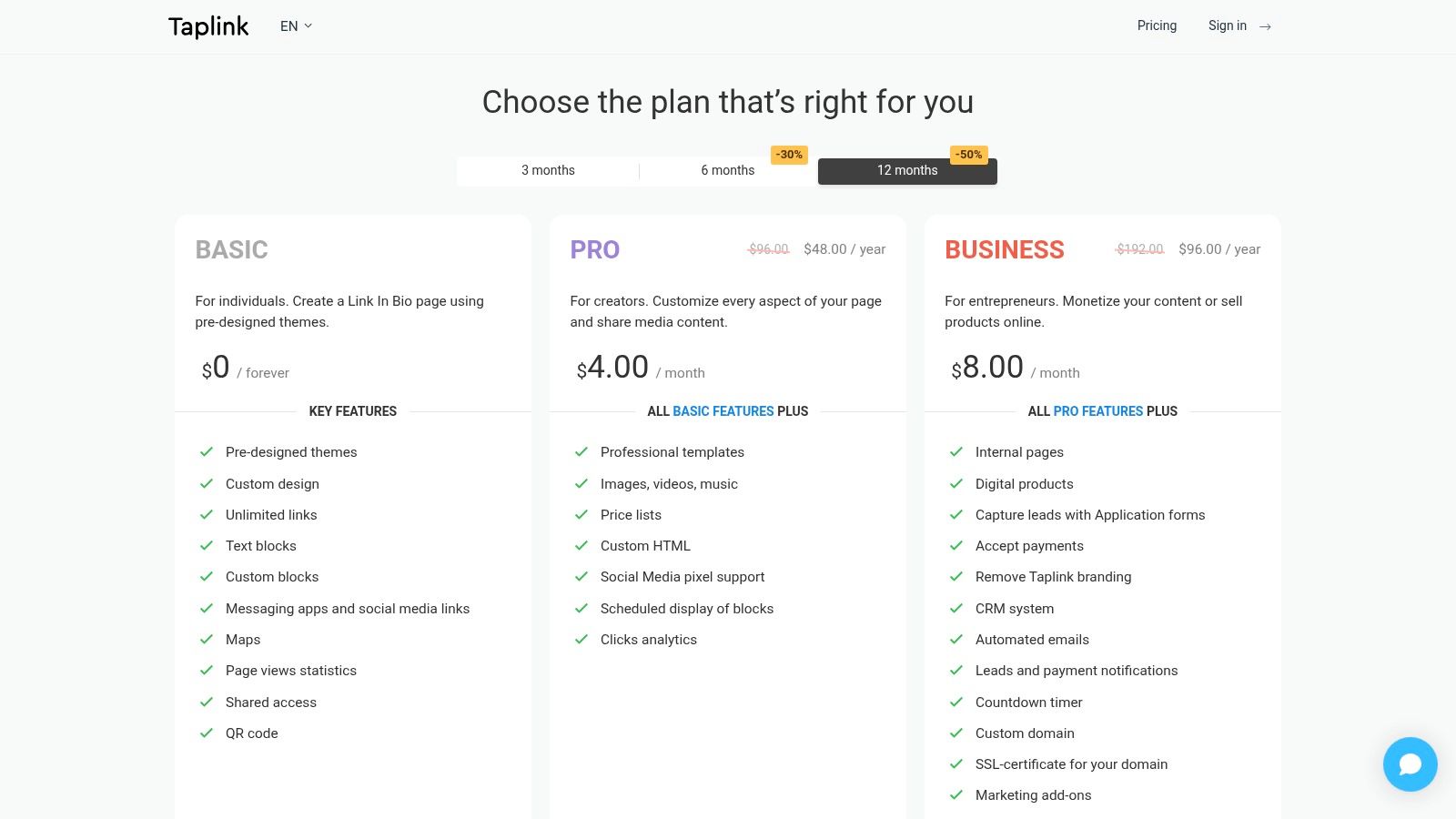
That user base isn't tiny. A Go High Level roundup of Linktree alternatives says Taplink has over 166,000 users, which is a useful signal that the category now has real scale beyond one dominant brand. Taplink's staying power comes from being practical. It gives you the core blocks you need to build a functional page quickly and then lets you upgrade if you need richer design or commerce features.
Who should use it
Taplink makes the most sense for social sellers, local businesses, and creators who mostly operate from Instagram or TikTok and want something proven.
- Strong for social commerce: Especially good when your page supports offers, products, and messaging links.
- Mature setup: The product doesn't feel experimental.
- Potential friction: Interface consistency and documentation can feel uneven depending on where and how you're using it.
Taplink is the kind of tool people keep because it works, not because it wins design awards.
If your workflow depends on DMs, product pages, and lightweight landing content, Taplink is a credible free alternative to Linktree. If your brand needs a highly customized destination, a builder like Carrd gives you more control.
6. Flowpage Flowcode
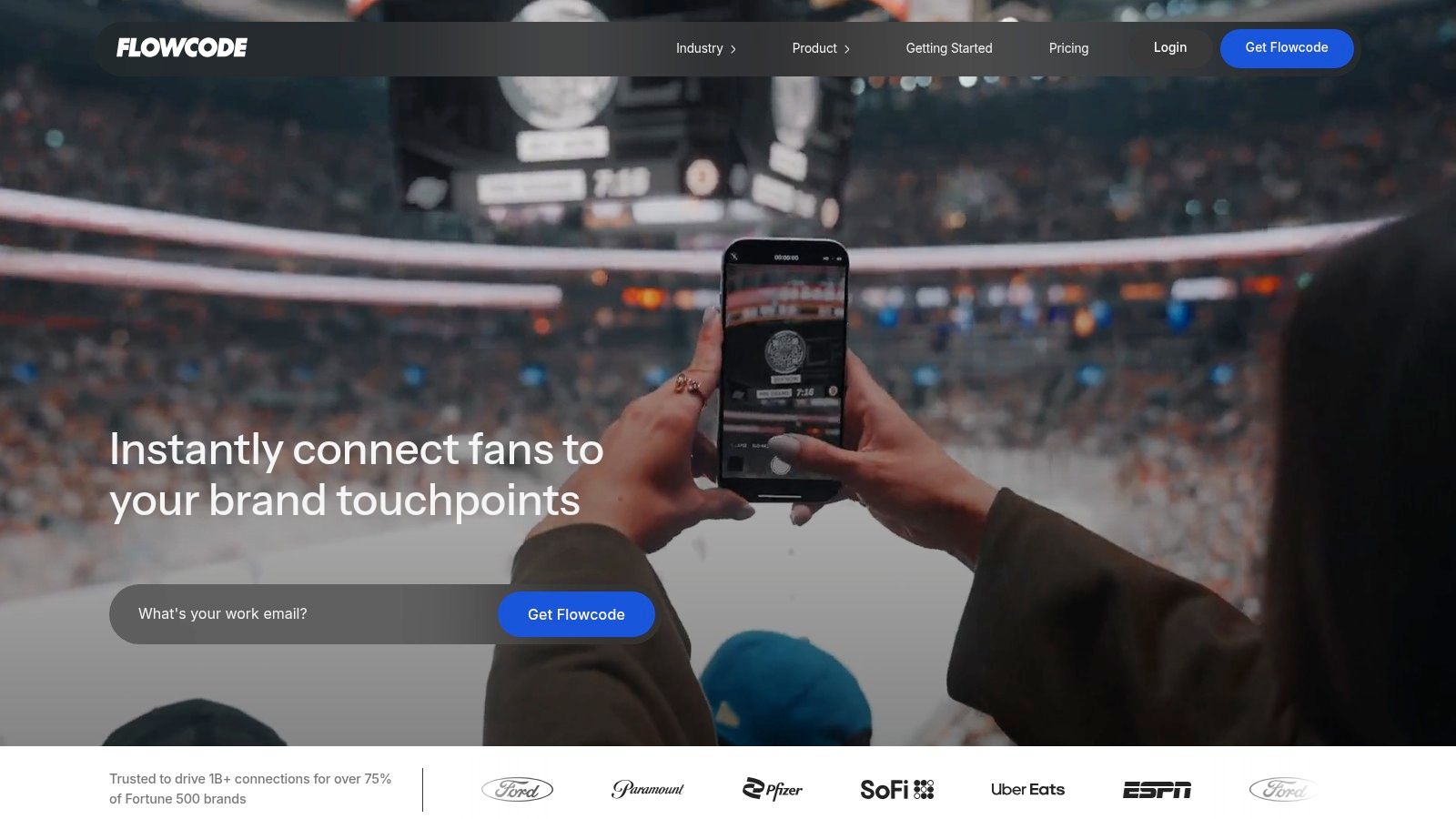
Flowcode is the one to look at when your bio page isn't just living in social profiles. It shines when QR codes, print, packaging, events, and offline-to-online journeys matter as much as the bio link itself.
That's what makes Flowpage different from many Linktree alternatives. You're not just building a simple mobile landing page. You're tying that page into a broader scan-based workflow. If you're running campaigns that start on flyers, product inserts, booth signage, or physical collateral, that's a real advantage.
Best use case
Flowpage is strongest when the page and the QR code belong to the same campaign system.
- Best for QR-first campaigns: Good fit for events, restaurants, retail packaging, and in-person promotions.
- Useful ecosystem: Short links, QR templates, and landing pages work together.
- Not ideal for everyone: If all you need is one social bio page, it can feel heavier than necessary.
For small businesses, this can be a smarter free alternative to Linktree than a creator-focused platform because it matches how people find the page. The weakness is simplicity. For a solo creator who only needs one mobile link hub, Flowpage can be more platform than they need.
7. Carrd
Carrd is my favorite answer for people who say they want a bio page but really mean they want a tiny website. That's an important distinction. A lot of marketers outgrow stacked-button tools faster than they expect.
Independent benchmarking covered in this comparison video on free Linktree alternatives framed Carrd as the most flexible option because it behaves more like a full landing-page builder. That matches how practitioners use it. You get layout freedom, stronger design control, and room to evolve the page into something more useful later.
When Carrd is the smarter move
Carrd works when branding, structure, and extensibility matter more than instant one-click setup.
- Best for mini-sites: Strong fit for portfolios, launches, consultant pages, lead magnets, and personal landing pages.
- Design freedom: Better than classic bio-link tools if you care how the page looks.
- Trade-off: It asks a bit more from you during setup.
My rule of thumb: If you already know you'll want sections, embeds, stronger hierarchy, or a future custom domain, start with Carrd instead of migrating later.
Carrd is also where the ownership conversation starts getting more serious. You're closer to building an asset than renting a slot inside a bio-link platform. That matters once your page becomes part of a funnel, not just a social accessory.
8. about.me
about.me isn't trying to be a creator monetization engine. That's exactly why it's still relevant. It gives professionals a profile-first page that feels more like a polished digital introduction than a social link utility.
For consultants, speakers, coaches, and job-facing professionals, that's often the better move. You don't always need a page full of featured blocks and aggressive CTA buttons. Sometimes you need a clean identity page with links and contact context.
Best for professionals
about.me is strongest when trust and positioning matter more than feature depth.
- Best for personal branding: Good for independent professionals who want a clean public profile.
- Quick to launch: You can publish something respectable without design effort.
- Weak on commerce: It isn't built for creator selling or funnel-heavy campaign work.
This is one of those tools that works best when your audience already understands what you do. It supports credibility well. It doesn't do much to manufacture it. If your lead generation depends on segmentation, offers, or tracked campaign paths, this isn't the right primary asset.
9. Squarespace Bio Sites
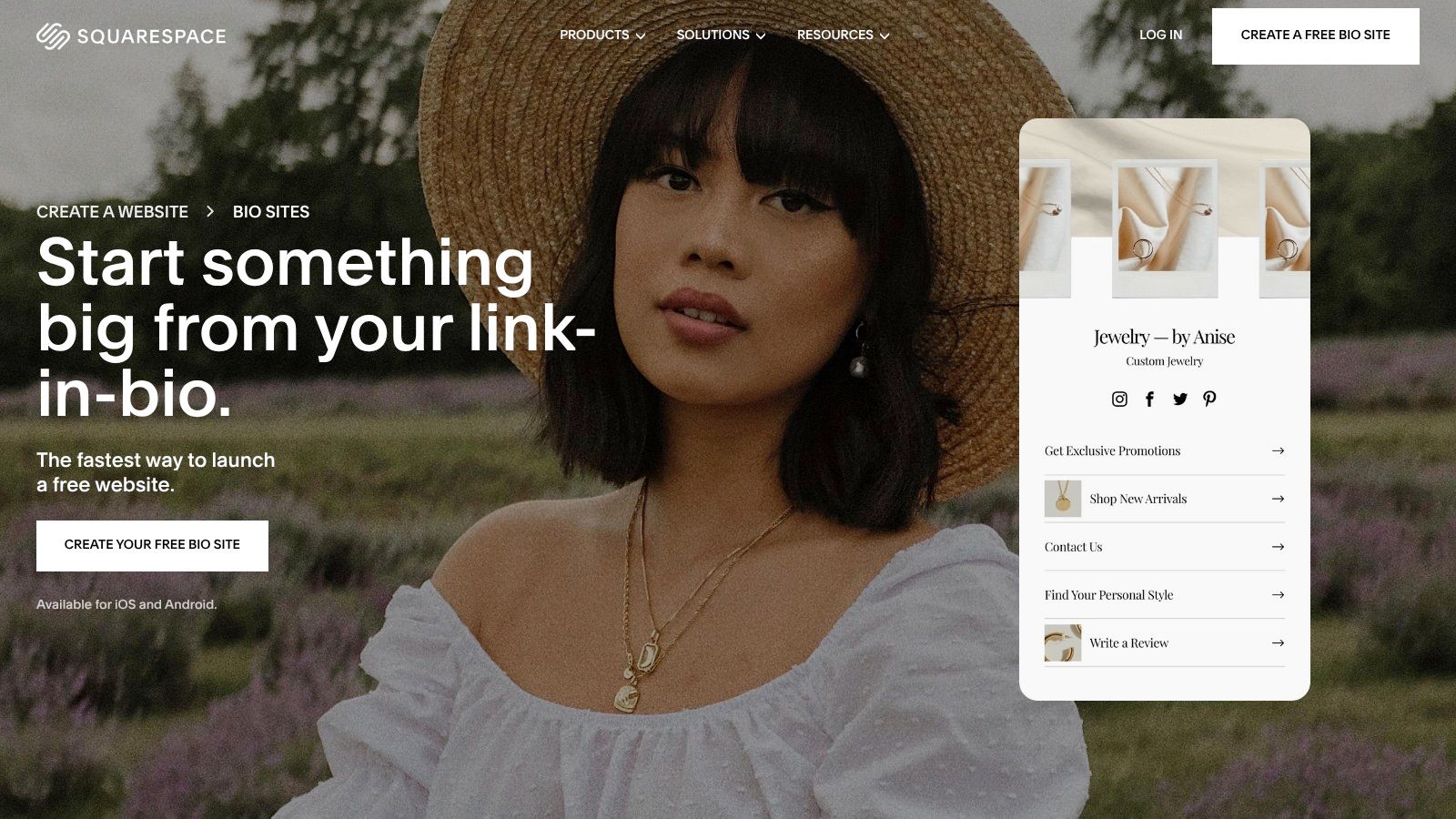
Squarespace Bio Sites makes sense for one specific buyer. Someone who wants a cleaner brand presentation than a basic link hub, but does not want the work of building a full site.
That positioning matters. Squarespace has always been stronger on presentation than experimentation, and Bio Sites follows that pattern. You can publish something polished fast, which is useful for creators, local brands, and solo operators who care how the page reflects on the business.
Best for design-conscious brands
Bio Sites is a better fit for aesthetics-first use than for aggressive campaign testing.
- Strong visual starting point: The page usually looks professional with minimal setup.
- Good for simple brand presence: Useful if you need a polished bio page, not a full website project.
- Less flexible for conversion work: Advanced tracking, customization, and funnel logic are limited compared with more modular tools.
A free tool in this category now has to be useful from day one, and Bio Sites clears that bar for basic needs. I would put it in the "good enough and good-looking" bucket, especially for brand-led use cases.
The trade-off is strategic. If the job is sending profile traffic to a few priority links, Bio Sites does that well. If the job is attributing leads by campaign, testing intent paths, or pushing visitors into a tracked conversion flow, a smart link setup is usually the better asset than a static bio page. That is where tools built for direct attribution, including lead-capture options like Double My Leads smart links, can outperform a prettier page.
If you want stronger layout control, Carrd is still the more flexible choice. If you want Squarespace styling without much setup, Bio Sites is the easier pick.
10. Canva Link in Bio Sites
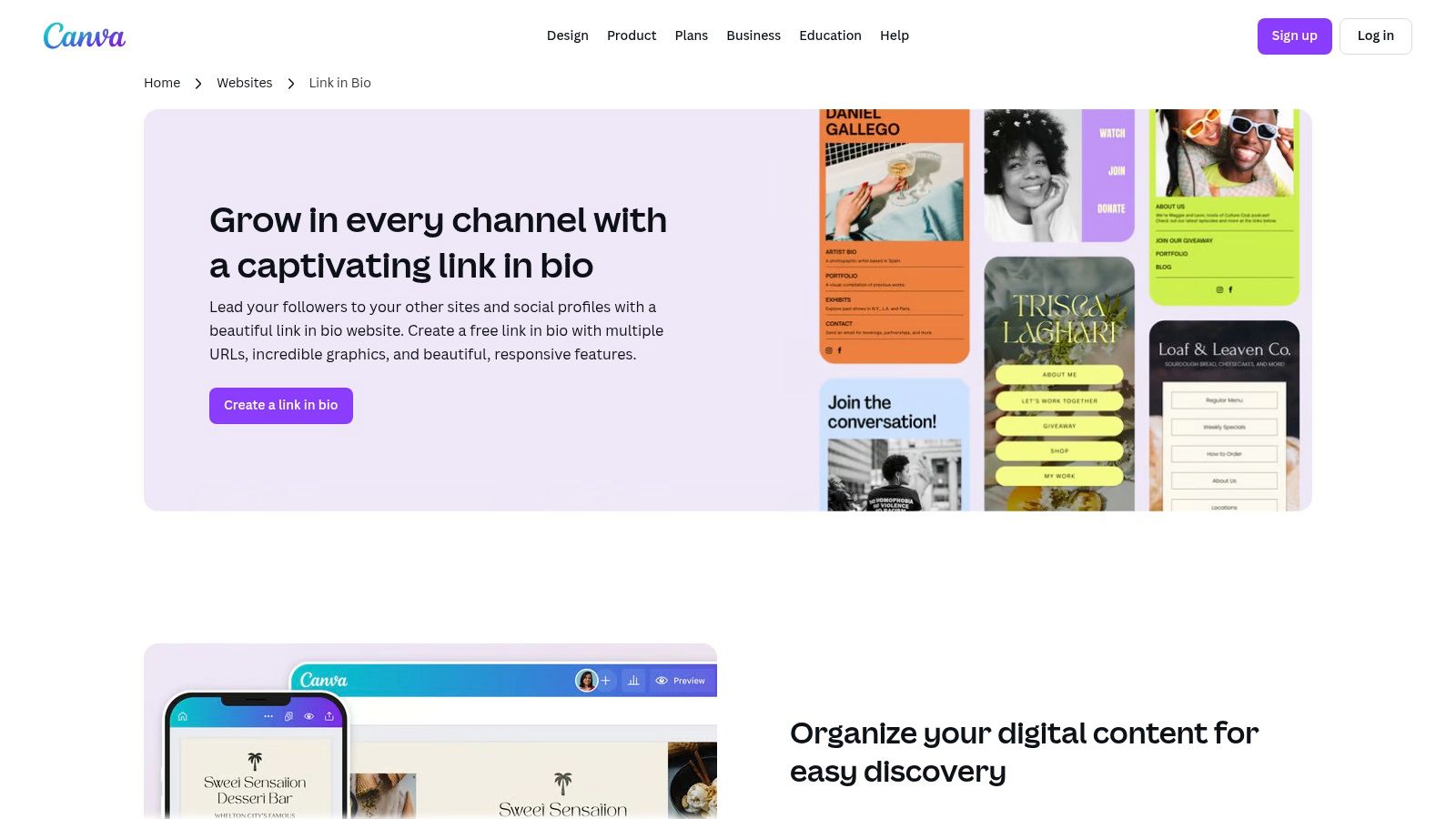
Canva Link in Bio Sites is the easiest pick for people already living inside Canva. If your brand assets, promo graphics, and social templates already sit there, building a matching microsite is a natural extension.
That makes Canva especially good for visual brands, small ecommerce teams, and creators who care a lot about presentation but don't want to learn a new builder. You can move fast, stay on-brand, and publish on a Canva subdomain without touching code.
Best for visual brands
Canva is less about link-hub tradition and more about design convenience.
- Best for Canva users: The fastest path to a visually consistent page.
- Template strength: Strong if you want your bio link to match campaign visuals.
- Main drawback: It's still more of a designed destination than a conversion system.
I often remind people that even attractive pages can underperform if the click path is flawed. If your social bio aims to direct users to one high-intent action, a single smart campaign link can outperform a beautiful menu page because it removes a step.
Top 10 Free Link-in-Bio Alternatives, Comparison
| Platform | Core features | UX / Quality | Value & Price | 👥 Target audience | ✨ Unique selling point |
|---|---|---|---|---|---|
| Beacons | Unlimited links (free), basic store, email capture, templates | ★★★★ 🏆 Mobile-first, easy setup | Free (branding); paid analytics & lower fees 💰💰 | Creators & micro‑commerce | Commerce-ready creator toolkit ✨ |
| Solo.to | Up to 25 links (free), social buttons, themes | ★★★★ Clean, fast UX 🏆 | Usable free tier; custom domain paid 💰 | Creators wanting minimalist look | Minimal, professional free look ✨ |
| Lnk.Bio | Unlimited links, embeds, simple analytics | ★★★ Stable, lightweight | Free; very low‑cost lifetime upgrades 💰 | Basic link hubs & migrators | Low‑cost lifetime option ✨ |
| Campsite.bio | Links, groups, scheduling, QR & insights | ★★★★ Snappy mobile; team features | Free; paid for analytics & collab 💰💰 | Creators, small teams & agencies | Scheduling & collaboration tools ✨ |
| Taplink | Blocks for links/media, templates, commerce upgrades | ★★★ Mature, widely used | Free starter; commerce/design paid 💰 | Instagram/TikTok merchants & influencers | Popular with social sellers ✨ |
| Flowpage (Flowcode) | Flowpages + QR (Flowcode), multiple pages, basic analytics | ★★★★ 🏆 Optimized for QR→web journeys | Free basic; enterprise features paid 💰💰 | Offline→online marketers, events | QR + landing page ecosystem ✨ |
| Carrd | Responsive one‑page sites, templates, forms & embeds | ★★★★★ 🏆 Extremely light & fast | Free basic; Pro for domains/widgets 💰 | Designers, solo creators, landing pages | True mini‑site flexibility ✨ |
| about.me | Profile page, links, email sig & basic capture | ★★★ Polished profile‑first UX | Free; pro features (domains/scheduling) paid 💰 | Professionals, consultants, coaches | Profile‑centric personal branding ✨ |
| Squarespace Bio Sites | bio.site pages, blocks, themes; Unfold integration | ★★★★ Polished templates & styling | Free publish; Pro add‑ons for analytics 💰💰 | Users wanting Squarespace polish | Squarespace‑backed aesthetics ✨ |
| Canva 'Link in bio' Sites | Drag‑and‑drop templates, rich media blocks, publish subdomain | ★★★★ Fast visual editing & templates | Free subdomain; branding/domains paid 💰 | Canva users & visual brands | Easiest path to on‑brand visuals ✨ |
Conclusion
What should your bio link do?
That question matters more than picking the most familiar tool. A simple public hub is enough for some users. Solo.to, Lnk.Bio, and Bio Sites fit that job well. Beacons makes more sense for creators who want links, email capture, and monetization in one place. Carrd is the stronger pick if you want a lightweight page with more control and fewer platform limits over time.
The actual split in this category is not price. It is intent. Some tools are built for creators who need speed and social-friendly design. Some fit agencies that need collaboration, client handoff, or cleaner branding. Others work better for consultants and professionals who want a polished personal profile. As a SongRocket analysis of other bio link platforms points out, the market keeps branching by audience and workflow. That is the right way to choose. Start with the action you want the visitor to take, then work backward to the tool.
Ownership also matters. A Kleap discussion of bio link tools highlights a common trade-off. You can get speed and convenience from a hosted page, but custom branding, domains, and portability often sit behind paid plans. For brands that care about long-term control, a page on your own domain, such as /links or /instagram, is often the cleaner setup.
There is another angle that many roundup posts miss. Sometimes a bio page is the wrong destination.
If the goal is to book a call, start a WhatsApp chat, claim an offer, or capture a lead from a specific campaign, sending people to a menu of links adds friction. A Mobilocard roundup of bio page options notes the shift toward mini-sites, forms, and richer interaction. I agree with that direction, but for campaign traffic I often go one step further. Direct, tracked smart links usually perform better when one action matters most, because they reduce choices and make attribution cleaner.
That is why this conversation should include lead-capture tools, not just bio page builders. For creators, agencies, and operators running real campaigns, the best choice is often the one that matches the visitor's next step with the fewest clicks. Use a bio page when you need a hub. Use a mini-site when brand control matters. Use a tracked smart link when the job is lead generation and clear attribution.
If your social traffic needs to produce conversations and measurable inbound leads, take a look at Double My Leads. Its tracked smart links and WhatsApp-first workflows are a better fit for agencies, SaaS teams, creators, and operators who want direct response, not another static link menu.


