
The market for community management software reached USD 2.85 billion in 2024 and is projected to grow to USD 8.97 billion by 2033 at a 13.6% CAGR. That's the clearest sign that community work is no longer a side task tucked under social media. It's now operational infrastructure.
Choosing from today's community management tools is harder because the category itself has split. Some platforms are built to host a branded community. Some are built to manage message volume across channels. Others sit closer to customer success, revenue ops, or event-led engagement. If you buy the wrong type, you won't just overpay. You'll force your team into awkward workflows they'll outgrow fast.
This guide sorts the best options by function first, not by hype. That matters if you run a SaaS company, an agency, a membership business, or a creator brand. The right choice for a support-heavy B2B team is very different from the right choice for a WhatsApp-first newsletter operator. If your community already lives in chat, you may even need adjacent tooling to accept crypto payments on Discord or automate access in places that aren't traditional forums at all.
Table of Contents
- 1. Double My Leads
- 2. Circle
- 3. Mighty Networks
- 4. Bettermode formerly Tribe
- 5. Discourse
- 6. Hivebrite
- 7. Bevy
- 8. Common Room
- 9. Higher Logic Vanilla formerly Vanilla Forums
- 10. Gainsight Customer Communities formerly inSided Digital Hub
- Top 10 Community Management Tools Comparison
- Your Final Checklist for Selecting a Community Platform
1. Double My Leads
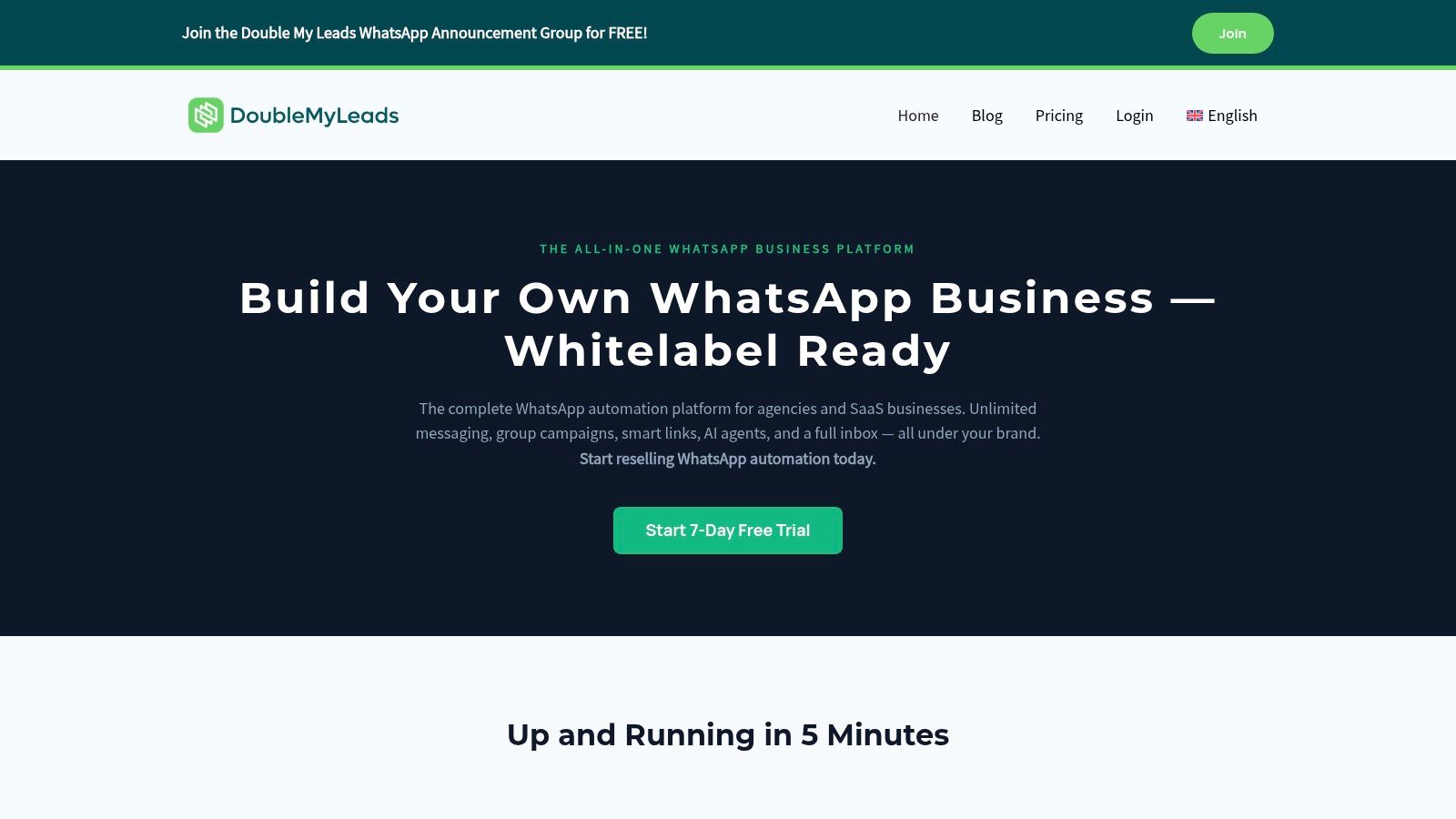
Double My Leads is the tool I'd put in a different bucket from most community platforms on this list. It's not trying to recreate a forum or a course hub. It's built around WhatsApp as the operating layer for audience engagement, lead capture, broadcast communication, and client delivery.
That distinction matters. A lot of teams say they want a “community platform” when what they need is a place to run high-response conversations, route inbound messages, assign ownership, and resell the service to clients. Double My Leads is strongest in exactly that scenario.
Why it stands out
The setup model is the first thing that changes the buying decision. Teams can connect client numbers by QR code without the usual API-key-heavy onboarding flow, then manage conversations inside a shared inbox with assignments, notes, tags, and quick replies. For agencies, that shortens the path from “we should offer WhatsApp” to “we're live.”
The second advantage is commercial, not just technical. Double My Leads uses a flat monthly model rather than making your margin depend on per-message billing. If you resell workspaces under your own brand, that predictability matters more than flashy feature lists.
Practical rule: If you plan to sell community operations as a service, choose the tool that makes your margins easy to explain before you choose the one with the longest roadmap.
Broadcasting is where the platform gets more interesting. It supports WhatsApp Community Announcement Groups, smart links, QR codes, scheduling, rich-media sends, auto-welcome flows, and CRM participant sync with source attribution. That makes it a strong fit for creators, newsletter operators, info-product businesses, and lead-gen agencies that treat WhatsApp like a high-attention channel rather than a support sidecar.
Best fit and trade-offs
Double My Leads is best for three groups:
- Agencies reselling communication workflows: White-labeling, your own branding, and your own Stripe billing make it workable as a client-facing offer.
- SaaS teams testing conversational acquisition: Smart links, widgets, and inbox routing help before a prospect ever becomes a user.
- Creators and operators running audience broadcasts: Announcement Groups and scheduled rich-media campaigns are more useful than a traditional forum when your audience wants updates in chat.
There are limits. The QR-pairing model is fast, but some enterprise buyers will still prefer the official Cloud API route for compliance or procurement reasons. Broadcast scale also depends on device setup, and some advanced capabilities come as add-ons, so very large deployments need a more careful architecture review.
You can explore the platform directly at Double My Leads.
2. Circle
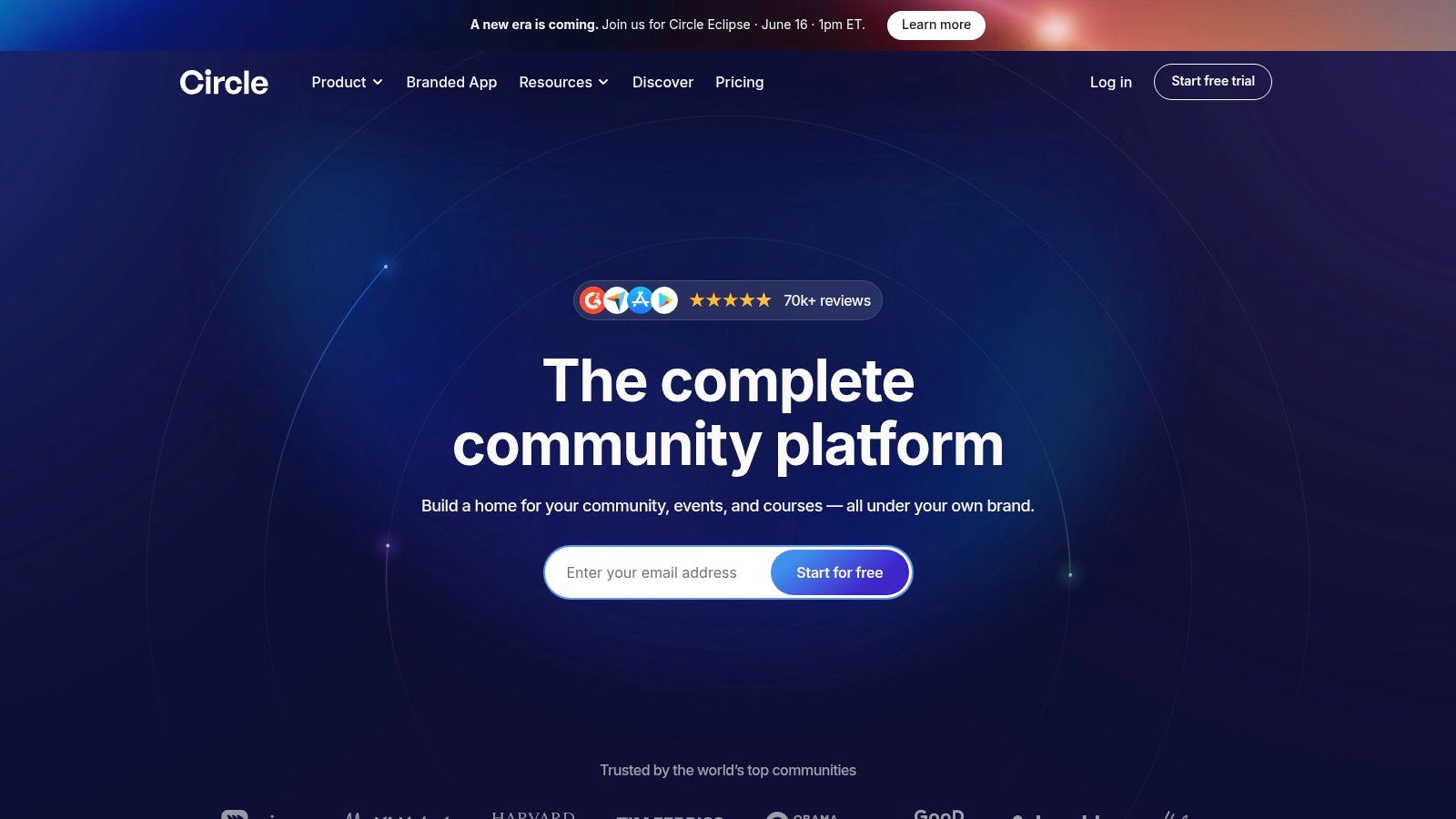
Circle is one of the cleanest choices for operators who want community, courses, events, and memberships in one branded system. It's especially attractive for creators, coaches, agencies with paid communities, and smaller brands that don't want to stitch together separate tools for discussion, live programming, and gated content.
The reason Circle keeps showing up in shortlists is simple. It reduces tool sprawl without forcing you into an enterprise implementation project. You get discussions, events, live rooms, courses, automations, APIs, and optional email functionality in a product that still feels approachable.
Why creators and small teams like it
Circle works best when community is part of a productized business model. If you sell access, education, peer interaction, and recurring programming, the platform maps well to how members experience value. You're not just hosting a forum. You're packaging an environment.
Its trade-offs are familiar but important. Some useful capabilities sit behind add-ons, transaction fees can affect margin design, and costs can climb as you add contacts, admins, or expanded functionality. That doesn't make Circle expensive by default. It means you should model the full operating stack before launching a low-priced membership.
Circle is strongest when your community is the product, not just a support channel.
For business fit, I'd frame it this way:
- Best for creators and education businesses: Strong blend of memberships, content, events, and branding.
- Good for agencies building private client communities: Easy to launch, easy to manage.
- Less ideal for heavy support deflection or complex enterprise governance: It's broad, but it isn't trying to be a full customer-care suite.
Circle's website is Circle.
3. Mighty Networks
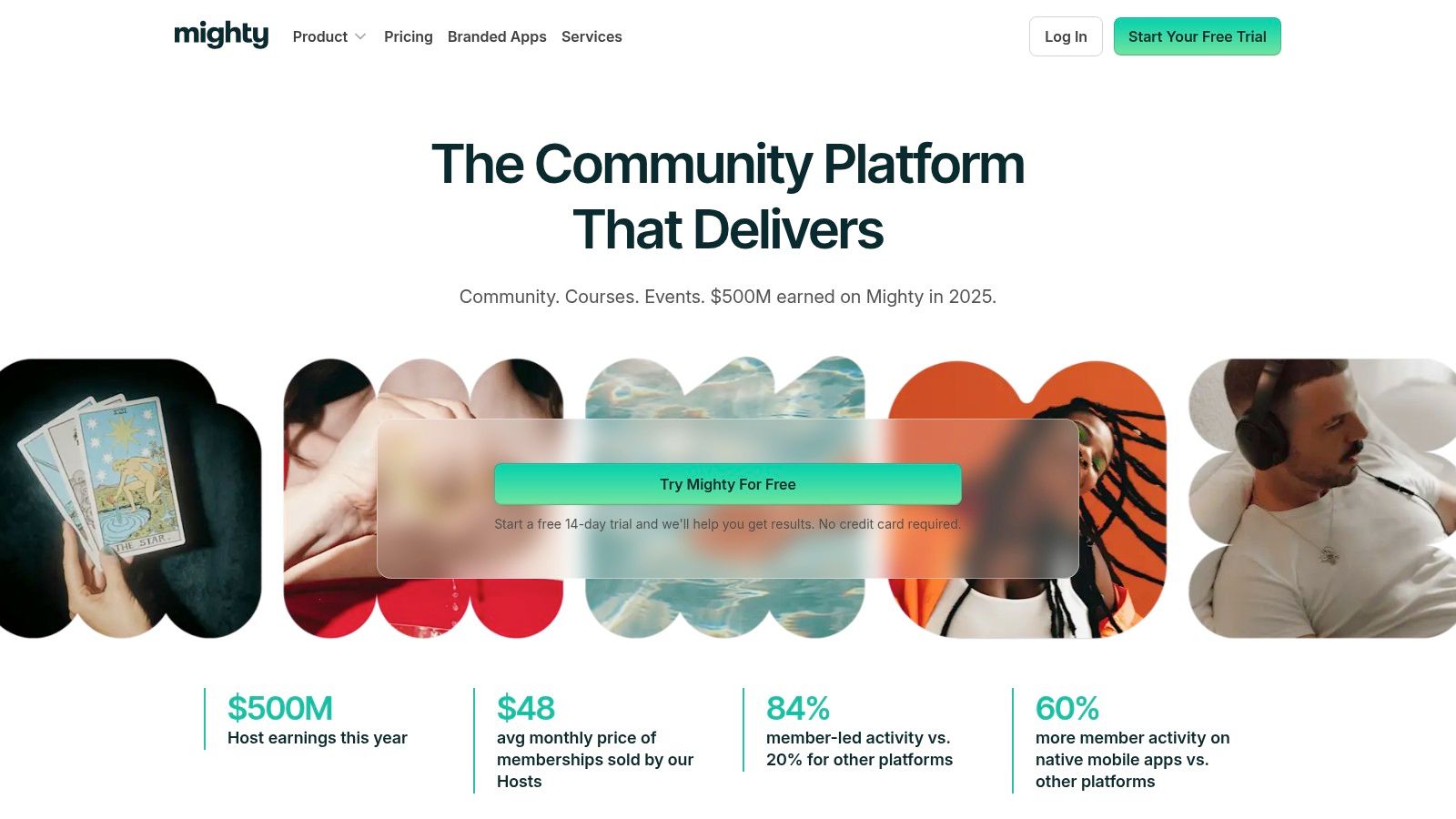
Mighty Networks is the option I'd look at when mobile behavior sits at the center of the community experience. Some platforms say they support mobile. Mighty tends to design around it more deliberately, which changes how members engage day to day.
That matters for creators, coaches, wellness communities, professional memberships, and audience businesses where activity needs to feel ongoing rather than desktop-bound. If members dip in through their phone between meetings, workouts, or client calls, mobile friction can subtly undermine participation.
Where Mighty Networks wins
Mighty packages community spaces, courses, events, and memberships in a way that feels built for hosts who want guidance, not just software. Its templates, community design frameworks, and AI-guided setup can help teams that know the outcome they want but don't yet know how to structure the environment.
The upside is speed. The downside is that some plan details and premium app options require careful review. If you expect a fully branded app experience, you need to treat that as a separate buying conversation, not an automatic inclusion.
A practical way to think about Mighty Networks:
- Choose it when member habit matters most: Especially if you want regular mobile return visits.
- Choose it when you want support building the experience: The platform leans into enablement, not just infrastructure.
- Skip it if your main priority is support documentation or complex forum governance: It's better at community-led engagement than traditional knowledge architecture.
You can review it at Mighty Networks.
4. Bettermode formerly Tribe
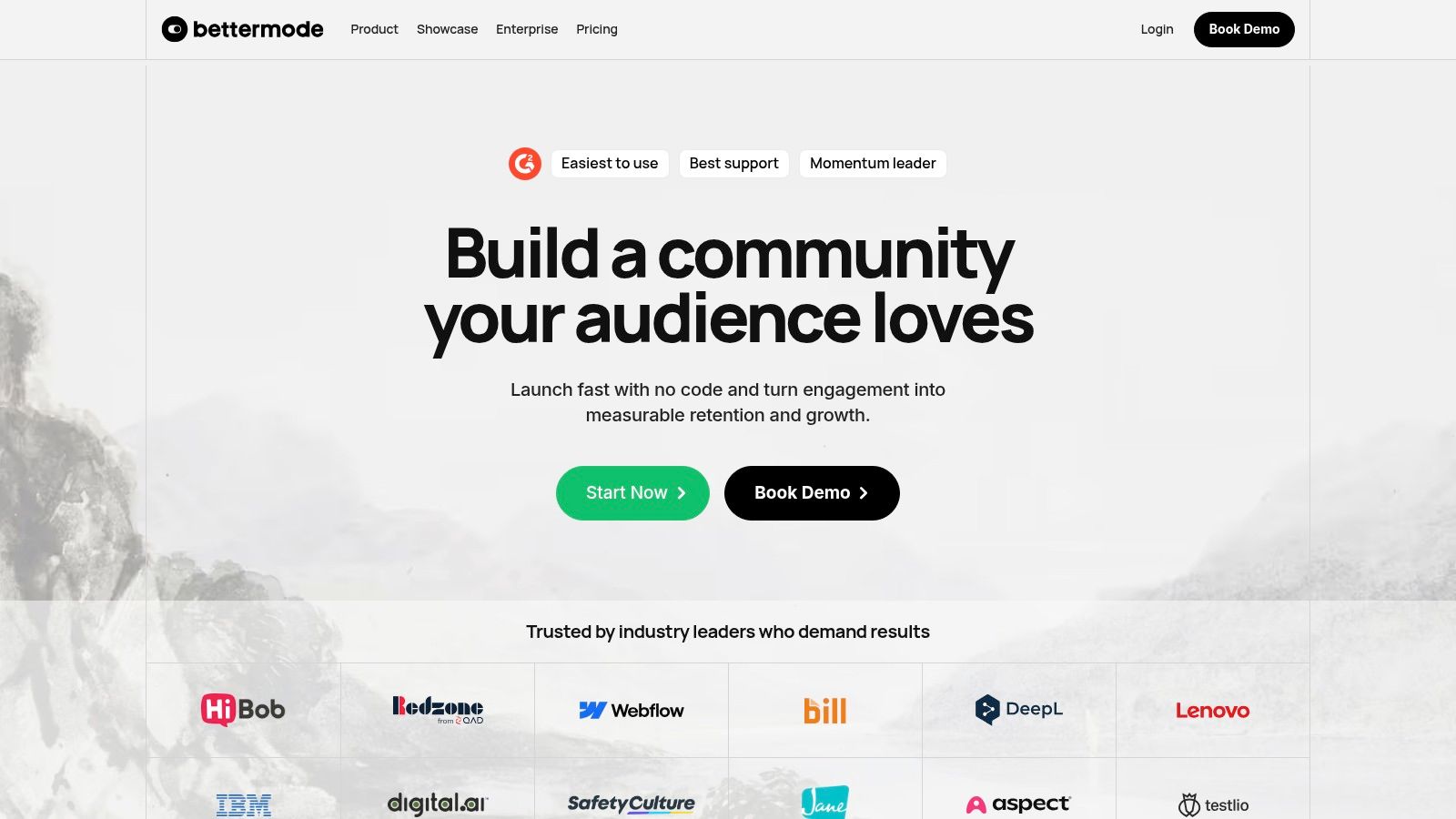
Bettermode sits firmly in the customer-community category. If Circle and Mighty are often about packaging a member experience, Bettermode is usually about building a branded customer destination that supports self-service, feedback, education, and product engagement.
That makes it a strong choice for SaaS companies and B2B teams that want the community to do real operational work. The page builder, modular setup, integrations, and enterprise orientation are the point. You're shaping a customer environment that connects to the rest of your stack.
Best use case
Bettermode is a good fit when several departments need the same community. Support wants deflection. Product wants feedback. Customer marketing wants advocacy. Customer success wants adoption signals. Platforms in this category earn their keep when they reduce fragmentation across those functions.
Its strengths show up in customization and integrations with systems like Salesforce, HubSpot, Intercom, Segment, and broader API workflows. The challenge is that flexibility creates setup overhead. If your team wants something out of the box with minimal design work, Bettermode can feel heavier than necessary.
Buy Bettermode when your community has to fit your business architecture. Don't buy it just because you want a nicer forum.
The platform also aligns with broader category shifts. Community tools have moved far beyond standalone forums, and leading platforms are increasingly positioned as multi-channel operating environments for engagement at scale, as noted in Sprout Social's overview of the category's evolution.
You can find the product at Bettermode.
5. Discourse
Discourse remains one of the smartest choices when you want durable discussion, searchable knowledge, and control. That's why it still has so much relevance even as chat-based communities keep growing.
A lot of teams underestimate the difference between active conversation and retained knowledge. Chat is great for speed. It's bad at memory. Discourse flips that. It's built for threads people can find later, build on, moderate properly, and turn into long-term community assets.
Why Discourse still matters
The open-source model is part of the appeal. You can self-host if you want maximum control, or use the official hosted version if you want predictability without maintaining the stack yourself. That flexibility makes Discourse useful for software companies, open-source projects, product communities, and organizations that care about data ownership.
Its trust systems and moderation tooling are mature, which is often more important than front-end flash. The trade-off is experience design. Out of the box, Discourse feels more like a serious discussion environment than a glossy membership product. For some organizations, that's exactly right. For others, it takes theming and plugins to close the gap.
A quick rule of fit:
- Use Discourse for searchable, evergreen discussion: Great for support, product, and technical communities.
- Use it when you want platform independence: Open source changes the risk profile.
- Avoid it if you need a highly polished creator-business wrapper from day one: That isn't its default posture.
The official site is Discourse.
6. Hivebrite
Hivebrite is one of the broader white-label platforms in this space. It's not only for brand communities. It's often a better match for associations, alumni networks, nonprofits, universities, and organizations with layered member structures.
That changes the buying criteria. These communities usually need more than posts and comments. They need events, mentoring, groups, directories, messaging, opportunities, and segmented experiences that reflect how the organization already works offline.
Where Hivebrite fits best
Hivebrite makes sense when the community is part network, part program hub, part operational system. The platform's modules for mentoring, jobs, memberships, projects, and events are useful because many institutional communities aren't built around one interaction type. They run on multiple forms of participation.
The trade-off is complexity and procurement. Hivebrite is highly customizable, sales-led, and best approached with a clear internal map of what you're launching first versus later. Teams that try to activate every module at once often create unnecessary admin burden.
A few practical fit signals:
- Strong choice for associations and alumni communities: The relationship model is broader than a simple discussion board.
- Strong choice for mentoring and networking programs: Those workflows are built in, not bolted on.
- Weaker fit for solo creators or lean startups: You're paying for institutional capability.
There's another market clue behind tools like Hivebrite. In a separate estimate for online community platforms, the market was valued at USD 1.8 billion in 2025, with cloud deployment accounting for 71.8% of revenue and SMEs representing 37.7% of market revenue. That helps explain why vendors now push cloud-first, modular systems that can serve both growing organizations and more complex member ecosystems.
You can explore it at Hivebrite.
7. Bevy
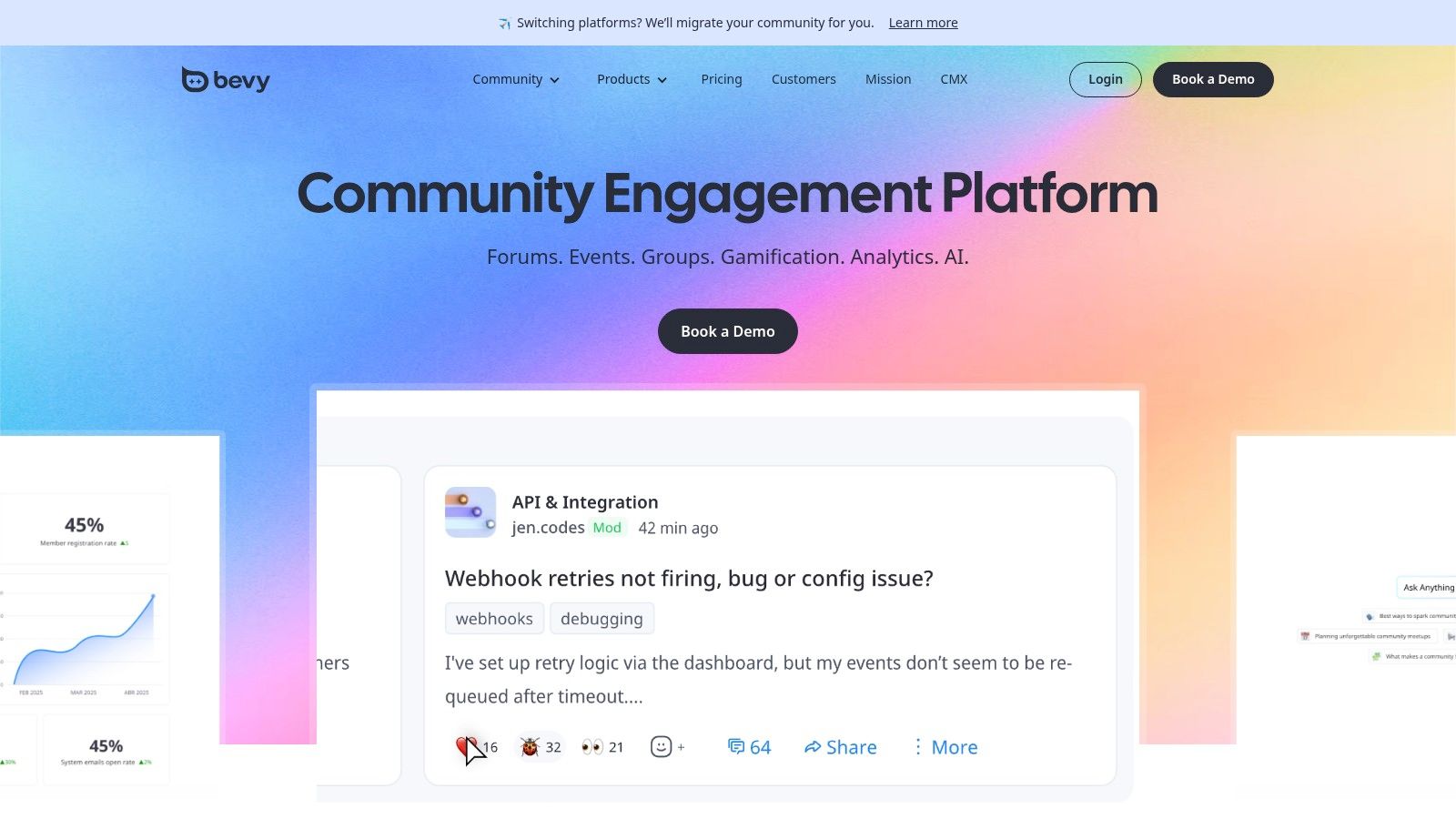
Bevy is the tool I'd shortlist when the community model is chapter-based, event-led, or globally distributed. It isn't just about hosting discussion. It's about helping an organization run many local or thematic groups without losing central control.
That's a specific problem. If your community includes ambassadors, city chapters, product meetups, user groups, or field-led programming, ordinary community platforms can become messy fast. You need local autonomy, but you also need a system that keeps branding, reporting, and operations aligned.
Why event-led teams choose it
Bevy's value shows up when events are the main engine of engagement. Virtual, in-person, and hybrid programs all sit closer to the center of the product than they do in most generic community tools. That's why enterprise developer communities, ecosystem programs, and advocacy teams often look at it seriously.
The “unlimited” framing on core usage is appealing at scale because it removes some of the constant seat-and-capacity anxiety that follows other enterprise platforms. Still, this isn't a plug-and-play indie product. You should expect implementation planning, integration work, and a sales-led process.
If your community grows through recurring events and local leaders, buy for operational coordination first and content publishing second.
Bevy's home page is Bevy.
8. Common Room
Common Room isn't a classic community platform. It's a community intelligence platform. That distinction matters because many SaaS companies already have places where the community lives. Slack, Discord, GitHub, social channels, product usage, CRM, and email all hold part of the picture. The problem is that nobody sees the whole thing.
Common Room tries to solve that by pulling those signals together and making them operational. That makes it especially useful for developer relations, product-led growth teams, modern B2B marketing, and revenue organizations that want to connect community participation to pipeline work.
Where Common Room earns its place
If your leadership team asks, “Which community activity turns into revenue or expansion?” Common Room is one of the more direct answers. It focuses less on hosting conversation and more on enrichment, scoring, activation, and workflow automation across the systems you already use.
That's powerful, but it only works if your data foundations are decent. Teams with weak CRM hygiene or messy attribution often buy intelligence platforms too early. In that case, you'll end up paying for visibility you can't yet operationalize.
The fit is usually clear:
- Best for PLG and community-to-revenue motions: It turns scattered signals into account context.
- Best for devrel and technical audiences: Especially when GitHub and product data matter.
- Not the right choice if you need a destination community UI: It complements hosting platforms. It doesn't replace all of them.
You can evaluate it at Common Room.
9. Higher Logic Vanilla formerly Vanilla Forums
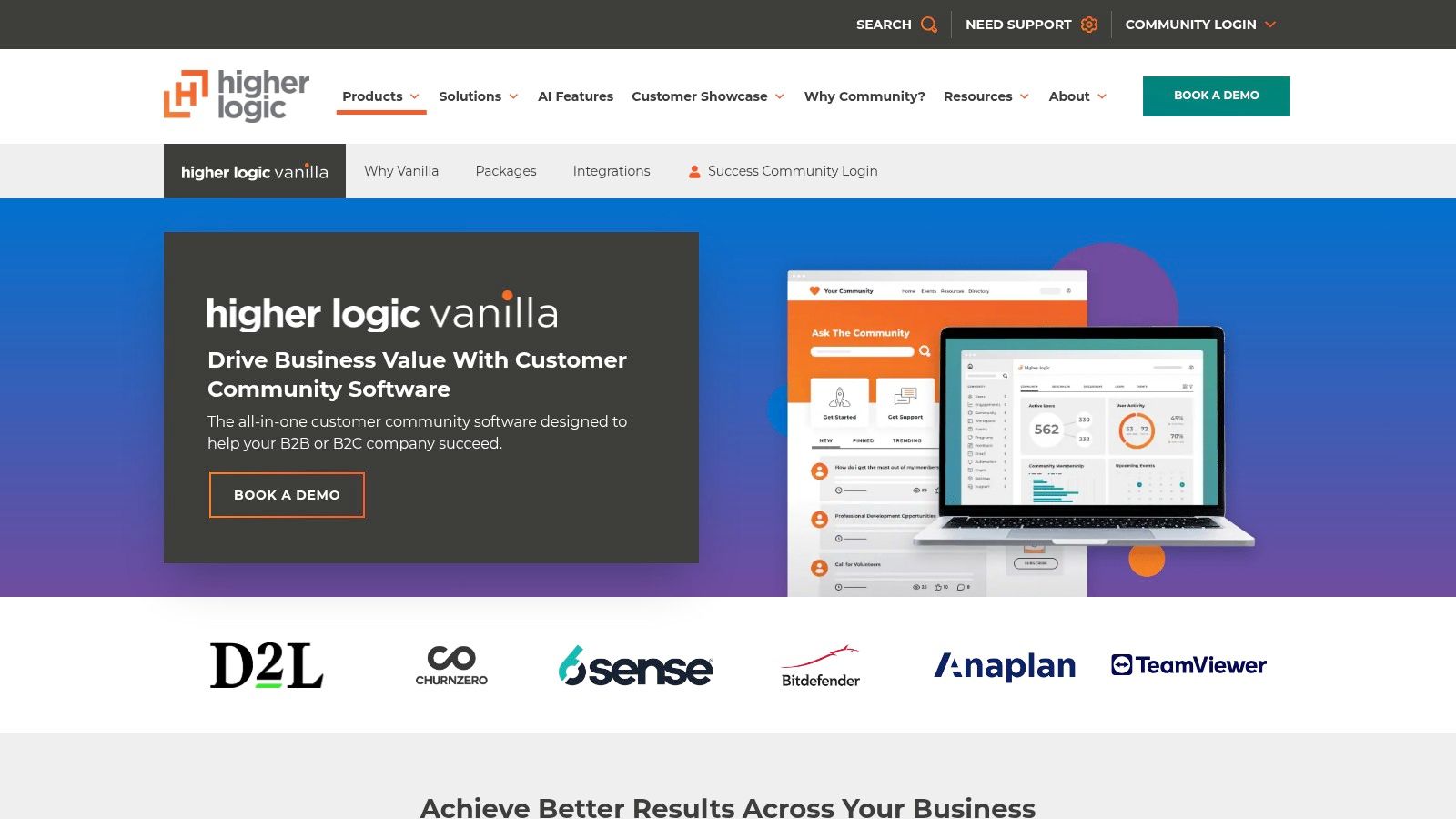
Higher Logic Vanilla is a mature enterprise option for customer communities, especially in B2B environments where support, education, advocacy, and ideation all need to sit in one place. It's less creator-friendly than Circle or Mighty, but that's not a flaw. It's built for a different operating model.
Vanilla's real strength is that it treats engagement mechanics seriously. Forums, Q&A, gamification, leaderboards, polls, and flexible page configuration all support teams that want to shape behavior, not just host content.
When Vanilla is the right call
This platform makes the most sense when your community has to support structured programs. Think customer onboarding support, product feedback loops, peer answers, expert recognition, and advocacy development. Mid-market and enterprise B2B companies often need that mix more than they need visual novelty.
The trade-off is accessibility for smaller operators. Procurement is custom, implementation support is often part of the motion, and the product is designed for organizations with enough team capacity to manage it properly.
One more caution matters here. As AI spreads through community management tools, governance often lags behind feature adoption. Independent discussion of AI in this category has highlighted risks around bias, burnout, and broken trust, while arguing for human oversight, appeals, and audits instead of full automation, as discussed in Glue Up's take on AI safety in community management.
Vanilla's platform page is Higher Logic Vanilla.
10. Gainsight Customer Communities formerly inSided Digital Hub
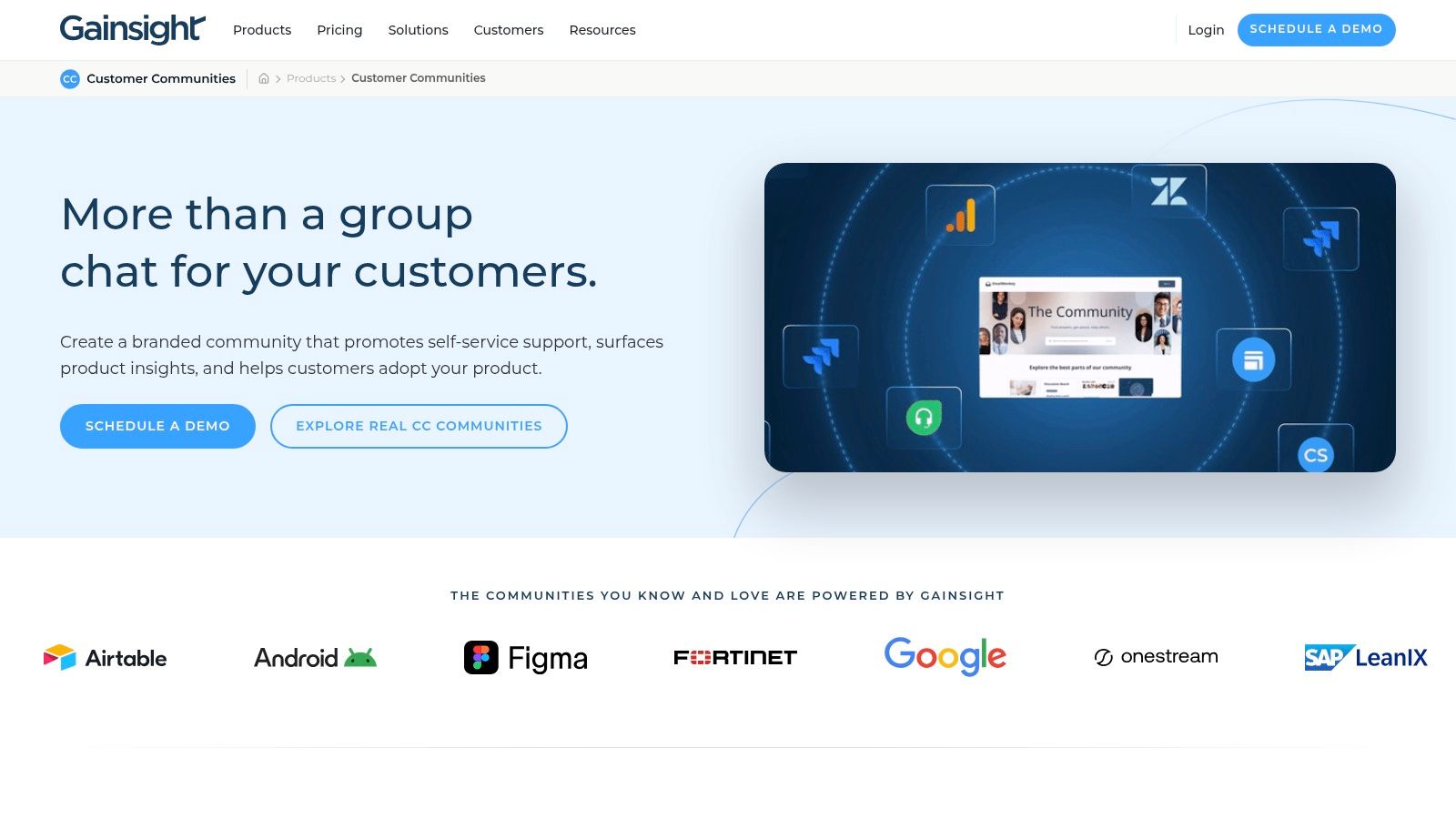
Gainsight Customer Communities belongs in a very specific shortlist. If your organization already thinks in terms of customer health, lifecycle stages, expansion potential, digital success programs, and account-level retention, this is the kind of platform that will make strategic sense.
It isn't just hosting a branded community. It ties community activity to the wider customer success environment. That's a major difference in how value gets measured internally.
Best for customer success led organizations
For CS-led teams, the attraction is obvious. Discussions, knowledge, feedback, segmentation, and engagement data can sit closer to the same systems used for health scoring and customer visibility. That creates stronger internal alignment between support content, community behavior, and account management.
The limitation is equally clear. If you're not already bought into the Gainsight ecosystem, the platform can feel like too much platform for the problem. This is best for organizations that want the community to act as part of a customer success engine, not as a standalone brand property.
A simple way to decide:
- Choose Gainsight when retention and expansion are the main business goals: The platform aligns with that operating model.
- Choose it when CS, support, and product need one shared picture of engagement: That's where it earns its cost.
- Pass if you just need a fast standalone community launch: There are lighter tools for that.
The product is available at Gainsight Customer Communities.
Top 10 Community Management Tools Comparison
Choosing the wrong community platform usually creates two costs. You pay for software your team does not use, and you inherit workflows that fight your business model. The practical way to compare these tools is by primary function first, then by price, UX, and integration fit.
This table is built for that decision. Agencies usually need resale economics, client separation, and fast deployment. SaaS teams tend to care more about support, product feedback, customer data, and retention. Creators often need content, events, paid access, and mobile engagement in one place.
| Product | Primary function | UX / Quality (★) | Value & Pricing (💰) | Best fit and real differentiator |
|---|---|---|---|---|
| 🏆 Double My Leads | Chat-first community and customer communication | ★★★★★ fast to deploy, real-time inbox workflow | 💰 Flat monthly (Pro $297/mo), no per-message fees, resell workspaces, 7-day free trial | Best for agencies and SaaS teams that want WhatsApp-based communities, lead capture, and client resale margins |
| Circle | Creator community, courses, events | ★★★★☆ polished UI across web and mobile | 💰 Tiered plans plus transaction fees, Email Hub add-on | Best for creators and small businesses that want an all-in-one member experience without stitching together multiple tools |
| Mighty Networks | Mobile-first membership and course community | ★★★★☆ strong native app experience | 💰 Subscription tiers, Mighty Pro for branded apps | Best for creators and membership operators who expect mobile usage to drive retention |
| Bettermode (Tribe) | Branded customer community and knowledge hub | ★★★★☆ flexible and well-designed | 💰 Enterprise pricing, onboarding and implementation typically required | Best for SaaS and customer success teams that need stronger customization, governance, and integration depth |
| Discourse | Forum-style discussion and support community | ★★★★☆ mature, search-friendly forum UX | 💰 Self-host free or paid cloud hosting plans | Best for product, developer, and support communities where searchable answers matter more than polished social feeds |
| Hivebrite | Enterprise member hub for associations and networks | ★★★★☆ full-feature platform with many modules | 💰 Sales-led pricing with add-ons | Best for alumni groups, nonprofits, associations, and chambers that need mentoring, jobs, events, and structured membership management |
| Bevy | Event-led and chapter-based community management | ★★★★☆ strong for distributed programs | 💰 Custom quotes, enterprise implementation | Best for brands running field events, ambassador networks, or global chapter programs with local ownership |
| Common Room | Community intelligence and revenue activation | ★★★★☆ strong operator workflow for signals and enrichment | 💰 Sales-led pricing, ROI-driven deployment | Best for PLG, RevOps, and modern GTM teams that want to turn community activity into pipeline and account insight |
| Higher Logic Vanilla | Enterprise forum and engagement platform | ★★★★☆ established feature set for structured communities | 💰 Custom enterprise pricing | Best for B2B organizations that need forums, gamification, moderation, and CRM-connected engagement at scale |
| Gainsight Customer Communities | Customer success-led community and knowledge management | ★★★★☆ tightly aligned to CS operations | 💰 Enterprise, often purchased within the broader Gainsight platform | Best for CS-led SaaS organizations that measure community value through retention, product adoption, and account health |
A simple way to read the table: chat-first tools such as Double My Leads work best when responsiveness, outbound communication, and lead capture drive value. Forum-style platforms such as Discourse and Vanilla fit support and knowledge use cases better. Enterprise systems such as Hivebrite, Bevy, Bettermode, and Gainsight make more sense when multiple teams, permissions, integrations, and reporting requirements shape the purchase.
The trade-off is straightforward. The more specialized the platform, the better it performs for that use case, but the less flexible it becomes outside it. That is why the right choice usually starts with your business model, not the longest feature list.
Your Final Checklist for Selecting a Community Platform
The best community management tools don't win on feature count alone. They win when they fit the job your team needs done. That sounds obvious, but it's where most bad purchases start. A SaaS company buys a creator platform because the UI looks polished. A creator buys an enterprise suite because it promises scale. An agency buys a forum when what it really needed was a conversation engine with resale economics.
Start with the business goal. Be blunt about it. If your main target is support deflection, you need searchable knowledge, moderation controls, and routing logic. If your goal is lead generation, conversation capture, broadcast reach, and CRM handoff matter more. If retention is the priority, focus on habit loops, member programming, segmentation, and how easily your team can surface the right next action.
The next step is to map the member journey, not the admin dashboard. Where do people first engage? Where do they return? What behavior creates value for both the member and your business? Such mapping clarifies category fit. Chat-first communities often need tools built around responsiveness and broadcast communication. Course-led and membership-led communities need a better content and access model. Customer communities need stronger search, support, identity, and integration with account data.
Modern community operations also sit inside a larger shift in tooling. Industry coverage in 2026 describes how community management tools increasingly centralize comments, direct messages, mentions, reviews, and forum activity into unified workflows with notifications, listening, sentiment analysis, tagging, assignments, and analytics, making metrics like response time, sentiment trends, and time saved central to daily operations, as summarized in Dash Social's review of modern community management infrastructure. That's why you shouldn't judge a platform only by what members see. You also need to judge it by how your team works inside it.
Here's the practical buying filter I use with clients:
- Define the core model: Is this a hosted community, a support community, a messaging channel, or an intelligence layer?
- Audit your technical constraints: Check API access, SSO, CRM integrations, moderation needs, and data ownership before pricing distracts you.
- Test your staffing reality: A powerful platform won't save an under-resourced team from poor onboarding and weak moderation.
- Review governance early: If AI moderation or automation is in scope, decide where humans must stay in the loop.
- Run a pilot: A small live group will tell you more than any demo ever will.
Double My Leads deserves special mention if your strategy depends on WhatsApp engagement. For agencies, creators, and SaaS teams running high-attention outreach, broadcasts, or inbox-led community workflows, that channel can be more practical than forcing people into a traditional portal. It's also worth thinking beyond moderation alone and into adjacent listening workflows such as sentiment analysis for product & SEO, especially when community signals feed product decisions and brand positioning.
The right platform should make your operating model simpler. If it makes it harder to explain ownership, member flow, pricing, or outcomes, keep looking.
If you want a faster path to running a WhatsApp-first community or reselling it as your own offer, Double My Leads is worth a serious look. It gives agencies, SaaS teams, and creators a white-label way to launch client workspaces, manage unlimited conversations, run broadcasts, and build recurring revenue without turning WhatsApp operations into a custom dev project.


